+ Anthropic Filed To Go Public
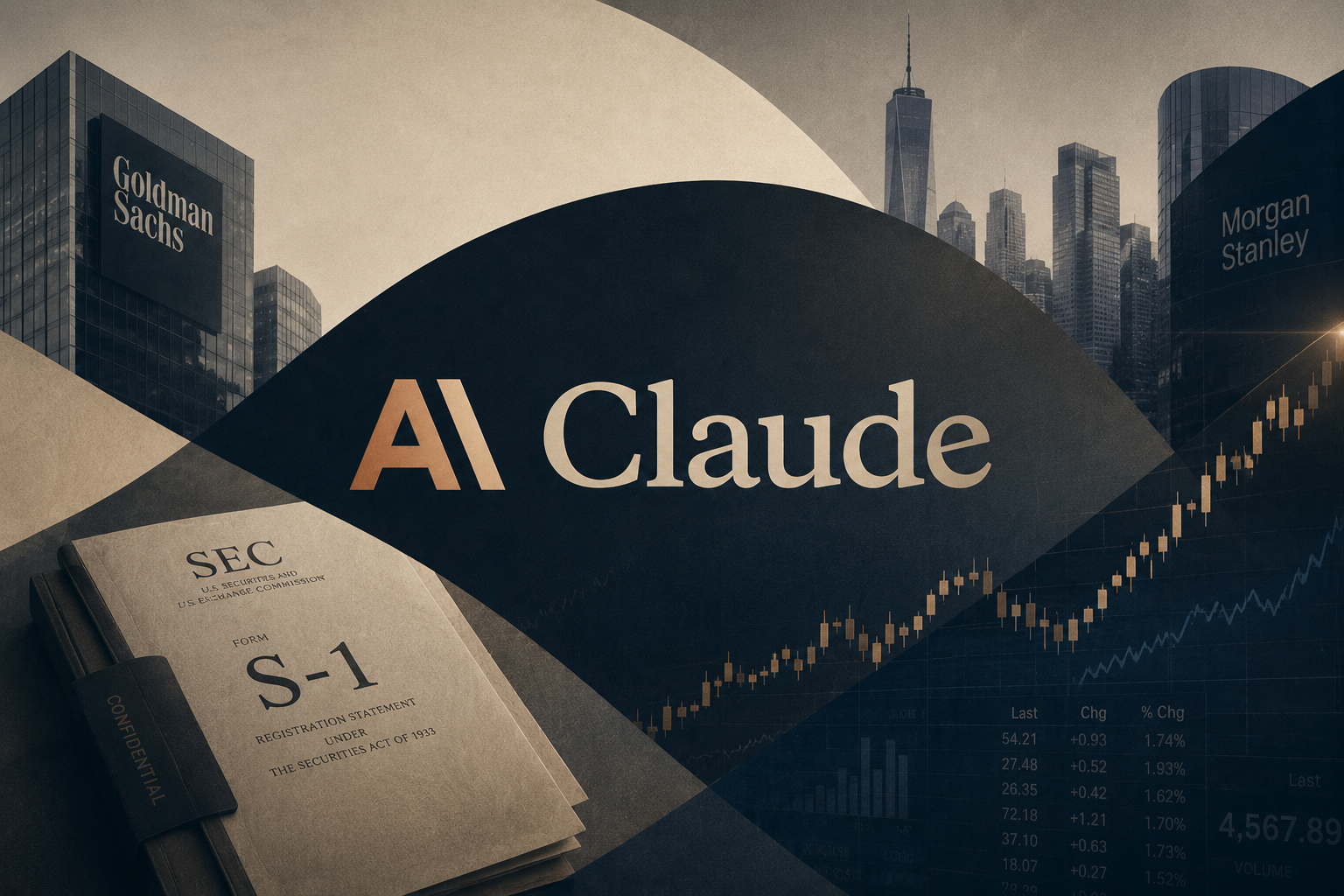
On Monday June 1, Anthropic, the company behind Claude, filed paperwork with the SEC to go public. The filing is confidential, a standard first step that lets a company start the process privately before opening its books to the world. No share count or price has been set. The filing came four days after Anthropic closed a $65 billion funding round that valued the company at $965 billion, putting it above OpenAI's $852 billion valuation for the first time.
The numbers behind the filing explain the timing. Anthropic generated $4.8 billion in revenue in the first quarter and is on pace to top $10.9 billion in the second, which would make it the company's first profitable quarter ever. Bloomberg reported Wednesday that Morgan Stanley and Goldman Sachs will lead the offering, with a listing possible as soon as October and a raise that could reach $60 billion.
What it all means: A frontier AI lab is heading to the public markets for the first time, and it beat OpenAI to the filing. When Anthropic lists, anyone with an index fund will likely own a piece of the AI race whether they picked the stock or not. And the full filing will give the public its first audited look at what it actually costs to run a company like this.
+ CNN Sued Perplexity Over 17,000 Stories
Last Thursday May 28, CNN filed a 54-page complaint in federal court in New York against Perplexity, an AI search engine that answers questions by reading the web. CNN says Perplexity copied more than 17,000 of its stories, videos, and images and used them to generate competing answers. With exhibits, the filing runs 1,165 pages. It is the first AI copyright lawsuit ever brought by a television network.
CNN is now the ninth major content owner with an active lawsuit against Perplexity, joining The New York Times, News Corp, and Reddit, among others. CNN tried to negotiate a licensing deal with Perplexity last year, the talks failed, and CNN blocked the company's web scraper. Perplexity's response to the suit, from its communications chief: "You can't copyright facts." The benchmark hanging over the case is Anthropic's $1.5 billion settlement with book authors last August, the largest copyright settlement in US history.
What it all means: The courts are about to put a price on news that AI companies read and repackage. Nine active lawsuits against one company means this is now a cost of doing business, and whatever number comes out of these cases will decide whether AI companies license content or keep fighting. The outcome shapes what you see the next time you ask an AI a question about the news.
+ Trump Signed A Softer Version Of The AI Order He Pulled
On Tuesday June 2, President Trump signed an executive order asking AI companies to voluntarily give the federal government up to a 30-day early look at their most powerful models before public release. He signed it privately, with no ceremony. Two weeks ago we covered the original version, which Trump pulled hours before its signing event. That draft asked for 90 days, and Elon Musk, Mark Zuckerberg, and adviser David Sacks each called Trump to argue it would slow the US against China.
The final order explicitly rules out any mandatory licensing or permitting for AI companies. It directs the Justice Department to treat AI-assisted hacking as a top enforcement priority, and it creates a Treasury-led program to help critical infrastructure operators like rural hospitals, community banks, and local utilities find and patch security flaws. Three federal security agencies will build a classified test to decide which models are powerful enough to qualify.
What it all means: The federal government now has its first formal process for seeing powerful AI before the public does. It is voluntary, and the government helps choose which companies count, which critics warn could reward labs on good terms with the administration. The 90-to-30 day retreat also shows who holds leverage in this relationship right now, and it is not Washington.