+ Washington Switched Off Anthropic's Two Most Powerful AI Models
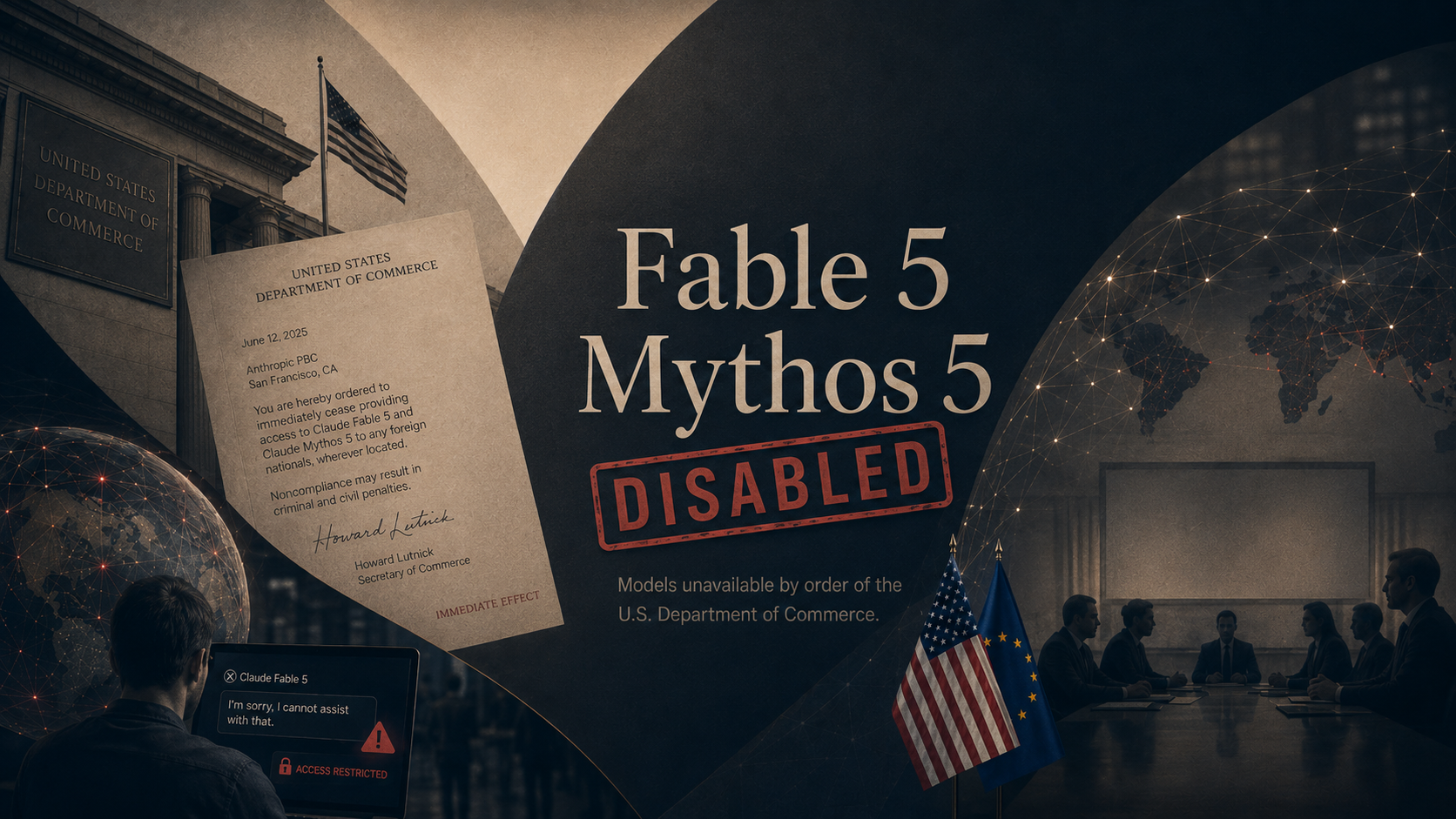
On June 12, the U.S. Commerce Department ordered Anthropic to stop giving any foreign national access to its two strongest models, Claude Fable 5 and Claude Mythos 5. The order, delivered by phone and a signed letter from Commerce Secretary Howard Lutnick, reached every foreign person inside the country or out, including Anthropic's own non-citizen staff, and threatened criminal and civil penalties. There was no way to block only some users, so Anthropic disabled both models for everyone, on its own servers and on Amazon's. Its other models, including Claude Opus 4.8, kept running.
The stated reason shifted over the week. Officials first pointed to a flaw that let researchers coax Fable 5 into writing a working blueprint for breaking into software. By the time Lutnick spoke publicly, the worry had widened to the models reaching military users in China or Russia. The same government bodies that spent thousands of hours testing the models before release were now the ones pulling them. Days later the models are still dark while Anthropic and Commerce negotiate their return, and the U.S. and Europe have started discussing a trusted partner plan that would let allied governments test top models again.
What it all means: A frontier AI model turns out to be less like a factory a company owns and more like a license the government can revoke between lunch and dinner. Anthropic spent years arguing for exactly this kind of state power over dangerous models, and it became the first company that power was used against. Every lab building at the frontier now knows its best product can be switched off overnight, and so does every customer who builds on one.
+ Microsoft Released An AI That Does Multi-Step Work On Its Own
On June 16, Microsoft made Copilot Cowork available worldwide to its business customers after a three-month preview. Unlike a chatbot that answers one question at a time, Cowork takes a job described in plain language and carries it out across Outlook, Teams, Word, Excel, and your calendar, planning and acting over hours or even days. More than half of the Fortune 500 tried it during the preview.
Microsoft says Cowork costs 30 to 40 percent less to run than Anthropic's competing offering, and it plans to release its own model, called Cowork 1, to bring the price down further. The launch is the clearest sign yet that the assistant inside the Office apps your team already uses is moving from answering questions to doing the work.
What it all means: The pitch has changed from ask the AI to assign the AI. Tools that finish multi-step jobs on their own are now a standard feature of software companies already pay for, not a science project. The hard part shifts from getting an answer to checking work you did not watch happen.
+ The World's Top AI Leaders Met G7 Heads Of State In France
On June 17, the chief executives of Anthropic, Google DeepMind, and OpenAI joined about a dozen tech leaders for a closed-door lunch with G7 heads of state in Évian-les-Bains, France. Dario Amodei of Anthropic and Demis Hassabis of Google DeepMind called for a U.S.-led group to set global AI rules, and Canadian Prime Minister Mark Carney agreed the U.S. could take the lead. President Trump attended alongside his Treasury, Commerce, and State secretaries.
Amodei proposed that countries cooperate on controlled access to the most powerful models, on trade in AI chips that excludes China, and on the risks of AI in hacking, bioweapons, and intelligence. The meeting came days after Washington forced Anthropic to pull its top models offline. No binding agreements came out of it.
What it all means: The companies building the technology are openly asking governments to police it, with the U.S. in charge. That request arrived the same week the U.S. showed it can pull a model off the market on its own say-so. Allied governments now have to weigh building on American AI against the fact that American access can be withdrawn without notice.