+ Washington Turned Anthropic's Most Powerful AI Back On
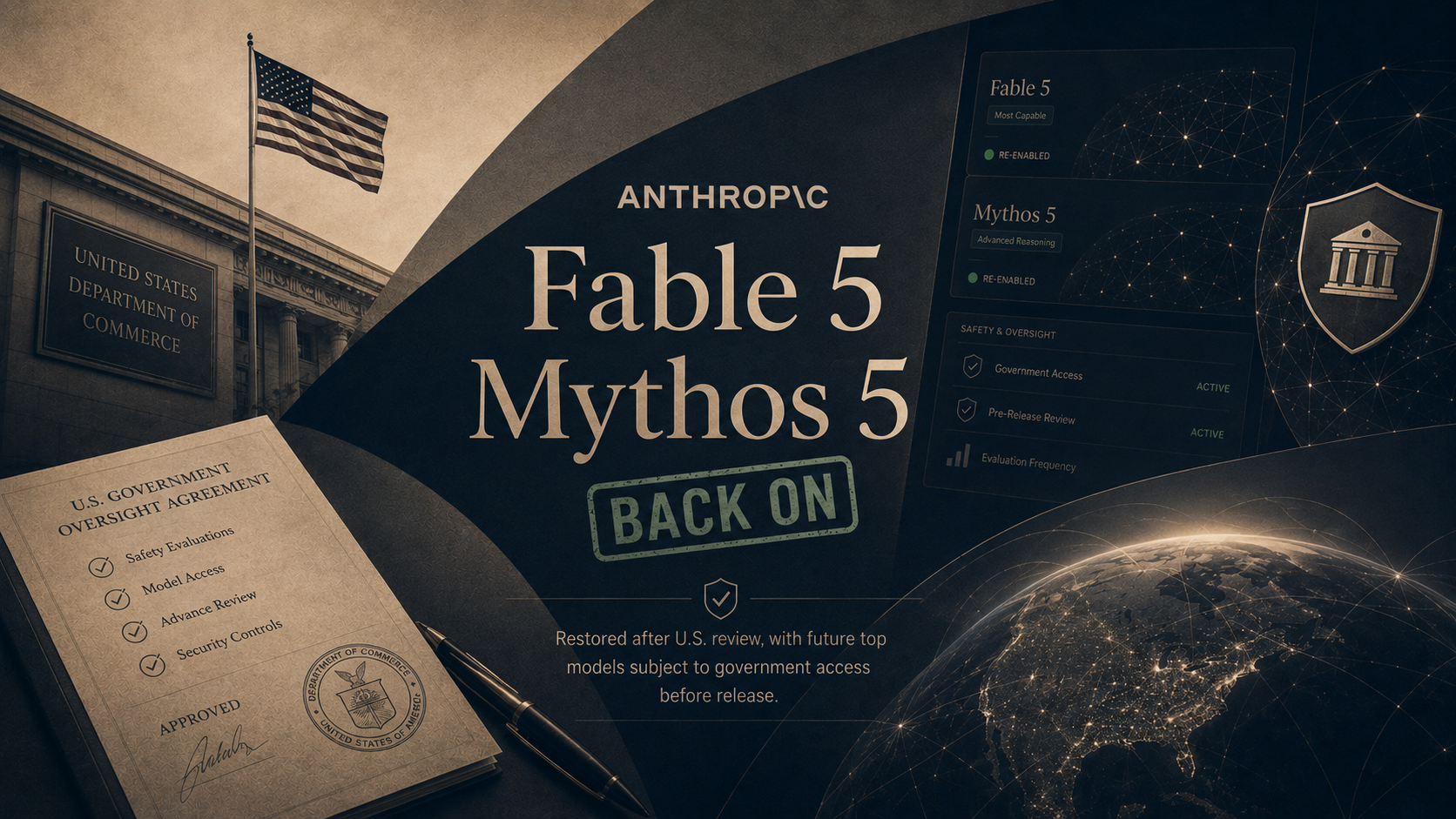
On June 30, the Commerce Department lifted the export controls that had kept Claude Fable 5 and Claude Mythos 5 dark for 18 days, and Anthropic began switching Fable 5 back on worldwide the next day. The June order came after researchers at Amazon found a way past the model's guardrails that let it find weaknesses in software and write the tools to exploit them. Anthropic built a new safety filter that blocks the technique more than 99 percent of the time, and government testers agreed it holds.
The model did not come back on the old terms. Anthropic agreed to give the U.S. government access to its future top models before the public sees them, and paid users get Fable 5 at half their usual limits until July 7 while capacity ramps back up. OpenAI, meanwhile, said it is holding back three versions of its upcoming GPT-5.6 at the administration's request, adding that it does not believe this kind of government review should become the long-term default.
What it all means: Two weeks ago the lesson was that Washington can switch a frontier model off. This week set the price of switching it back on: the government now gets an early look at the most powerful AI before any customer does. Every future release from a major American lab will be shaped by that precedent, whether or not another order ever comes.
+ Anthropic Released A Cheaper Model That Works Like Its Expensive Ones
On June 30, Anthropic launched Claude Sonnet 5, the newest version of its mid-priced model and the first regular release in the same family as Fable. The company calls it the most agentic Sonnet yet, meaning it can plan multi-step work, browse the web, and run software on its own at a level that required Anthropic's biggest and priciest models just a few months ago. On everyday knowledge work, Anthropic says it now outperforms Opus 4.8, the model that sat at the top of its lineup through the spring.
Sonnet 5 became the default model for free and paid Claude users the day it launched, and businesses that build on it get an introductory discount through August 31. One footnote drew attention: the model scores worse on hacking-related tests than the version it replaces, and Anthropic said it deliberately chose not to train it heavily on those skills, a direct echo of the government fight over Fable.
What it all means: The capability that cost top-tier prices in March is now the free default in July. For most businesses the practical ceiling on AI is set by the mid-priced models, and that ceiling just moved up while the price moved down. The hacking footnote shows labs are now designing models with regulators in the room.
+ OpenAI Offered The Government 5 Percent Of Itself
On July 2, the Financial Times and Axios reported that OpenAI has proposed handing over a 5 percent stake, worth roughly 42 billion dollars at the company's last valuation, to ease the political pressure building in Washington. Sam Altman has pitched the idea to President Trump, Commerce Secretary Howard Lutnick, and Treasury Secretary Scott Bessent, framing it as a way to share AI's upside with the public. The proposal envisions Washington holding 5 percent of each leading American AI developer, not just OpenAI.
The two reports split on the detail that matters most: the FT reported the stake would go to the U.S. government, while Axios reported it would go to Americans directly as individual shareholders. The model Altman keeps citing is the Alaska Permanent Fund, which pays residents a yearly dividend from the state's oil money. Any real version would require an act of Congress, and the talks are described as very preliminary.
What it all means: The federal government already owns pieces of Intel and several other companies, and the idea that the public should hold a slice of the AI boom now gets nods from both parties. Whether the shares sit with citizens who cannot vote them or a government fund that can is the difference between a dividend check and a hand on the wheel. That detail, not the 5 percent, is the negotiation.