+ Anthropic Released The Most Powerful AI Model The Public Has Ever Had
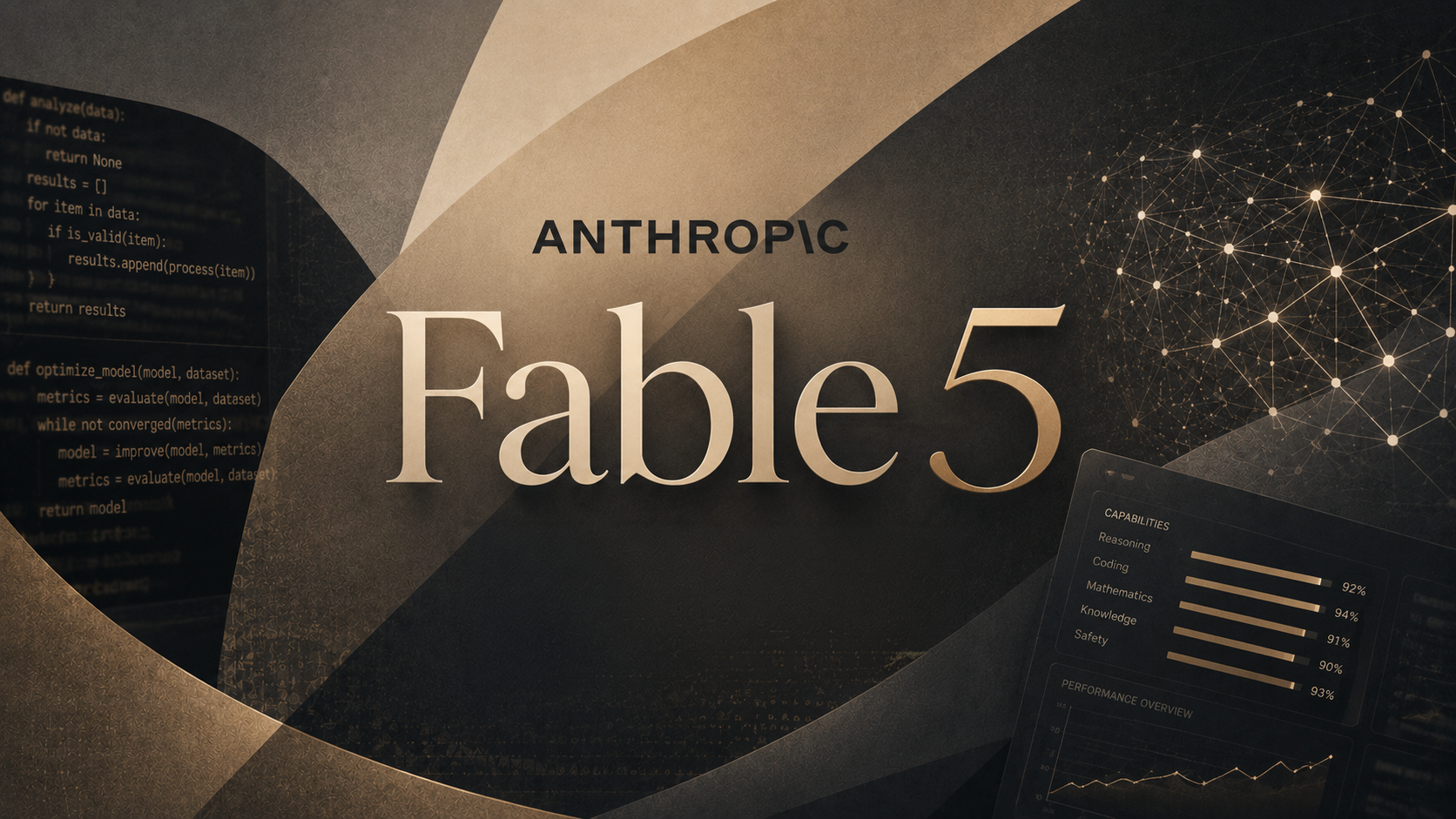
On Tuesday June 9, Anthropic released Claude Fable 5, a version of the restricted Mythos model it has kept locked away since April because of how good it is at finding security flaws in software. Fable 5 is the same technology with new guardrails: ask something high-risk in areas like cybersecurity or biology, and the system blocks the answer and hands the question to a less powerful model. Anthropic says it beats the company's previous best model by more than 10 percent on some tests.
For businesses building on it, Fable 5 costs twice as much as the model it replaces. For individual paid subscribers, it is included at no extra cost through June 22. A companion version called Claude Mythos 5, the same model without the guardrails, remains limited to approved organizations.
What it all means: Two months ago this technology was considered too dangerous to release. Today it is free with a $20 subscription, and the free part is strategy, not generosity. Anthropic is giving everyone until June 22 to get hooked on what a Mythos-class model can do before the meter starts running. Use the window, and know that using it is exactly what they want.
+ Apple Rebuilt Siri Around AI And Gave It Its Own App
On Monday June 8, Apple opened its annual developer conference by introducing Siri AI, the rebuilt Siri it has promised for two years. The new Siri holds real conversations, pulls current answers from the web, and understands what is on your screen. It can dig through your own messages, email, and photos to find the restaurant a friend recommended or a hotel confirmation number from an old email. It also gets a dedicated app that syncs conversations across all your Apple devices.
It takes action across apps too: drafting an email, editing and sharing photos, or adding a recipe to Notes from a text thread. When it writes in Mail or Messages, it matches the tone you normally use with each person. Developers can test it now. Everyone else gets it as a beta later this year on recent iPhones, iPads, and Macs, though not in the EU on iPhone right away and not in China at all for now.
What it all means: Apple is two years behind ChatGPT and is betting that being built in beats being best. Siri AI does not need to be the smartest assistant if it already knows your messages, photos, and habits, and it ships on a billion devices by default. For most people who have never opened an AI app, this will be the first frontier assistant they ever use.
+ Palantir's CEO Said Businesses Are Unhappy With The AI Labs
On Wednesday June 10, Palantir CEO Alex Karp said businesses are unhappy with the big AI labs. Palantir is a software company that helps governments and large companies put their data to work, which puts Karp close to the spending. His complaint: the labs are focused on selling ever more raw computing power, while the companies writing the checks struggle to turn that power into results.
Karp said rising AI costs are starting to alarm clients. In his view the hard part, and the real value, is wiring AI into how a business actually runs, and he expects that work to define the next several years. He also noted that many of Anthropic's business projects run on Palantir's technology.
What it all means: The most powerful models in history are a subscription away, and companies still struggle to get value from them. That gap between buying the tool and seeing the result is where most AI projects stall, and it is exactly the problem companies like Wyecliff are actively solving. The labs build the engines. Somebody still has to build the car.