Wyecliff
All editions

The Most Powerful AI Goes Public | Wyecliff Weekly #27

June 12, 20265 min read
The AI stories that actually matter this week | Edition #27 | June 12, 2026
The tools themselves took center stage this week. Anthropic released the most powerful AI model the public has ever had. Apple rebuilt Siri from scratch and gave it its own app. And Palantir's CEO said what plenty of businesses have been thinking: the AI labs are not solving their problems. Let's get to it.

Now Available: The Wyecliff Weekly Podcast

Prefer to listen? Every edition of the Wyecliff Weekly is now generated as a podcast. Same stories, same analysis, same lessons. Just press here.
Listen to this edition

Top Stories

+ Anthropic Released The Most Powerful AI Model The Public Has Ever Had

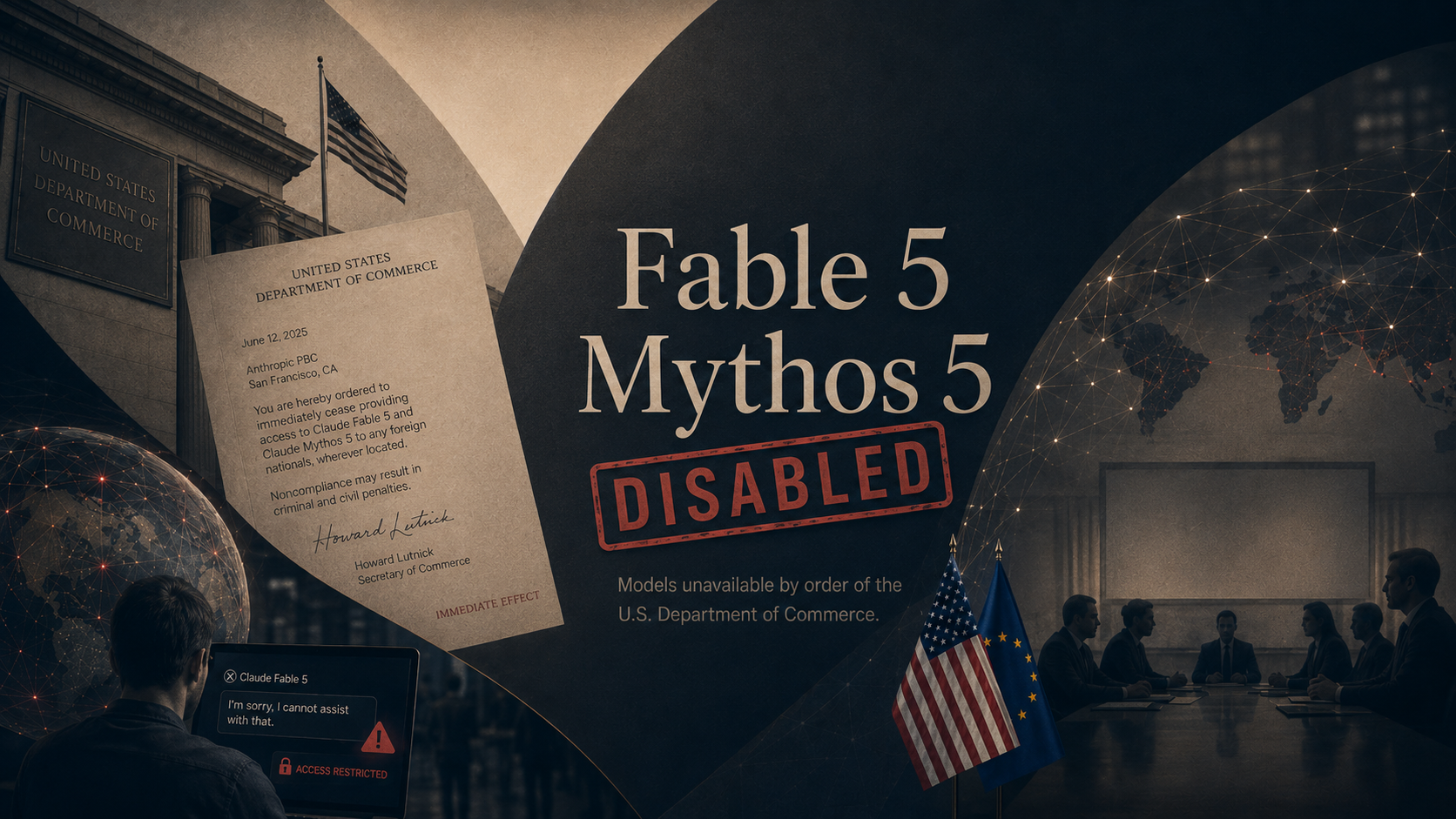
On Tuesday June 9, Anthropic released Claude Fable 5, a version of the restricted Mythos model it has kept locked away since April because of how good it is at finding security flaws in software. Fable 5 is the same technology with new guardrails: ask something high-risk in areas like cybersecurity or biology, and the system blocks the answer and hands the question to a less powerful model. Anthropic says it beats the company's previous best model by more than 10 percent on some tests. For businesses building on it, Fable 5 costs twice as much as the model it replaces. For individual paid subscribers, it is included at no extra cost through June 22. A companion version called Claude Mythos 5, the same model without the guardrails, remains limited to approved organizations.
What it all means: Two months ago this technology was considered too dangerous to release. Today it is free with a $20 subscription, and the free part is strategy, not generosity. Anthropic is giving everyone until June 22 to get hooked on what a Mythos-class model can do before the meter starts running. Use the window, and know that using it is exactly what they want.

+ Apple Rebuilt Siri Around AI And Gave It Its Own App

On Monday June 8, Apple opened its annual developer conference by introducing Siri AI, the rebuilt Siri it has promised for two years. The new Siri holds real conversations, pulls current answers from the web, and understands what is on your screen. It can dig through your own messages, email, and photos to find the restaurant a friend recommended or a hotel confirmation number from an old email. It also gets a dedicated app that syncs conversations across all your Apple devices. It takes action across apps too: drafting an email, editing and sharing photos, or adding a recipe to Notes from a text thread. When it writes in Mail or Messages, it matches the tone you normally use with each person. Developers can test it now. Everyone else gets it as a beta later this year on recent iPhones, iPads, and Macs, though not in the EU on iPhone right away and not in China at all for now.
What it all means: Apple is two years behind ChatGPT and is betting that being built in beats being best. Siri AI does not need to be the smartest assistant if it already knows your messages, photos, and habits, and it ships on a billion devices by default. For most people who have never opened an AI app, this will be the first frontier assistant they ever use.

+ Palantir's CEO Said Businesses Are Unhappy With The AI Labs

On Wednesday June 10, Palantir CEO Alex Karp said businesses are unhappy with the big AI labs. Palantir is a software company that helps governments and large companies put their data to work, which puts Karp close to the spending. His complaint: the labs are focused on selling ever more raw computing power, while the companies writing the checks struggle to turn that power into results. Karp said rising AI costs are starting to alarm clients. In his view the hard part, and the real value, is wiring AI into how a business actually runs, and he expects that work to define the next several years. He also noted that many of Anthropic's business projects run on Palantir's technology.
What it all means: The most powerful models in history are a subscription away, and companies still struggle to get value from them. That gap between buying the tool and seeing the result is where most AI projects stall, and it is exactly the problem companies like Wyecliff are actively solving. The labs build the engines. Somebody still has to build the car.

More Stories

SpaceX Becomes The First AI-Era Mega IPO Today.

Elon Musk's SpaceX, which absorbed his AI company xAI earlier this year, priced its shares Thursday night and starts trading on the Nasdaq today at $135 a share, the largest stock market debut in history. The company names OpenAI, Anthropic, and Google as key AI competitors in its own filing.

DoorDash Let AI Take Your Order.

On Thursday June 11, DoorDash launched Ask DoorDash, a built-in assistant that lets customers order food and groceries or book a table by typing a request or sending a photo. It joins Uber and Instacart in racing to make ordering something you describe instead of something you scroll for.

Harvard Business Review Found Employees Hide Their AI Use.

A piece published Wednesday June 10 reported that many workers, including doctors and lawyers, use AI daily but keep it quiet, fearing judgment from colleagues or unclear company rules. The authors argue secrecy costs companies the chance to learn what is actually working.

OpenAI Is Turning ChatGPT Into A Superapp.

The Financial Times reported Sunday June 7 that OpenAI is planning its biggest ChatGPT redesign yet, folding coding tools, AI agents that complete tasks on their own, and partner services into one app, the way WeChat works in China. The move is widely read as preparation for the company's public listing.

Why It Matters

Two months ago the most capable AI model in the world was restricted to a vetted list of companies, and the assistant on your phone could set a timer. By Friday of this week, a guarded version of that model is included in a consumer subscription and a rebuilt Siri is headed to a billion iPhones by default. This week was about distribution. The frontier arrived in the products people already own.

For You

The new Siri means the first real AI assistant for most people will not be an app they chose but a button already on their phone. The same goes for ordering dinner through DoorDash or asking your car for directions. The decision in front of you is shifting from whether to use these tools to which company you let read your messages, photos, and habits to make them work. Apple is betting its privacy setup wins that choice.

For Your Work

Through June 22, the most powerful publicly available AI model is included in paid Claude plans at no extra cost. That makes this a cheap two-week window to test whether a stronger model actually changes your team's results. Palantir's CEO said out loud what most businesses already know: buying access to a model is not the same as getting value from it, and the gap between the two is where time and money disappear. The Harvard Business Review finding points at the same gap from the inside. If your best people are hiding how they use AI, your company is paying for lessons it never gets to learn.

One Thing To Try This Week

How To Turn A Document Into A Finished Slide Deck

Last week we covered turning a document into audio you can listen to. This week builds on that, taking the same starting point, a document you already have, and turning it into the thing most of us dread building from scratch: a slide deck. All three major AI tools can now produce an actual presentation file, not just an outline, and each takes a different route to get there. Start with a report, a proposal, or meeting notes, and end with a deck you can open in PowerPoint.

Claude (via Cowork or claude.ai)

  1. Go to claude.ai or open the Claude app. File creation works on every plan, including free. If it is not on, go to Settings, then Capabilities, and turn on "Code execution and file creation."
  2. Start a new chat, click the + button, and attach your document.
  3. Ask: "Convert this document into a PowerPoint presentation. Ten slides, one idea per slide, short headlines that state the takeaway."
  4. Claude builds the actual .pptx file in the chat. Download it or save it straight to Google Drive.
  5. Open it in PowerPoint and adjust. The file is fully editable, so nothing is locked in.

ChatGPT

  1. ChatGPT now lives inside PowerPoint itself through an official add-in. Open PowerPoint, go to Home, then Add-ins, search for ChatGPT, and add it. Sign in with your ChatGPT account. It works on every plan, including free, with usage limits.
  2. Open the ChatGPT sidebar from the ribbon and attach or paste your source material.
  3. Ask: "Build a 10-slide presentation from this document" or "Turn this memo into 5 slides."
  4. The add-in builds and edits real slides in your open file while keeping them editable. You can follow up with requests like "Add a risks slide after the overview" or "Tighten this for an executive audience."
  5. It is in beta, so review every slide. For important decks, work on a copy of the file.

Microsoft Copilot

  1. This one needs a Microsoft 365 Copilot license through work. Open PowerPoint and click the Copilot button on the Home ribbon.
  2. Choose to create a presentation from a file. You can reference up to five files, including PDFs and Word documents.
  3. Pick a template, including your company's own templates, so the deck comes out on brand from the first draft.
  4. Copilot drafts the full deck. Then use the Copilot chat to refine it: add a section, insert an agenda slide, or summarize the whole deck into three takeaways.
  5. The original files are untouched. Copilot always builds the new presentation as a new file.
Bonus: Claude is the only one of the three where the free plan can produce a full PowerPoint file. If your company has not rolled out Copilot licenses, that is the fastest no-cost way to test this workflow today.
Try This Prompt
Turn the attached document into a 10-slide presentation for [audience]. One idea per slide. Each slide gets a short headline that states the takeaway in plain language, no more than four bullets underneath, and no jargon. End with a next-steps slide that lists who does what by when.

Spread The Word

Love the Wyecliff Weekly? Refer a friend and earn rewards on our referral program.

See the referral tiers
Wyecliff Weekly

Never miss an edition.

Wyecliff Weekly lands every Friday at 6 AM Mountain. One short email with the moves that matter, a prompt to run on Monday, and one playbook from the field.

One email a week. No spam. Unsubscribe anytime.

Common Questions

When does Wyecliff Weekly arrive?
Every Friday morning at 6 AM Mountain. One email a week with the biggest AI stories, what they mean for your work, and one thing to try before Monday.
Is Wyecliff Weekly free?
Yes. Subscribe with your work email and read every edition at no cost. We write for operators who want plain takes, not a sales pitch.
What is inside each edition?
Top AI news with context, a short take on why it matters for your business, and one practical prompt or workflow you can run this week.
How do I unsubscribe?
Every email includes an unsubscribe link at the bottom. One click and you are off the list. No hoops.
/newsletter/wyecliff-weekly-edition-27