Wyecliff
All editions

The Price War Begins | Wyecliff Weekly #29

June 26, 20265 min read
The AI stories that actually matter this week | Edition #29 | June 26, 2026
This week the fight in AI moved to money. Microsoft's chief executive called for a price war on the very models his company helped fund, and started charging for its own AI assistant by the sip. Anthropic put Claude inside Slack as a full-time teammate. And a bank millions of people use said AI will save it more than four hundred million pounds. Let's get to it.

Now Available: The Wyecliff Weekly Podcast

Prefer to listen? Every edition of the Wyecliff Weekly is now generated as a podcast. Same stories, same analysis, same lessons. Just press here.
Listen to this edition

Top Stories

+ Microsoft's CEO Called For A Price War On AI

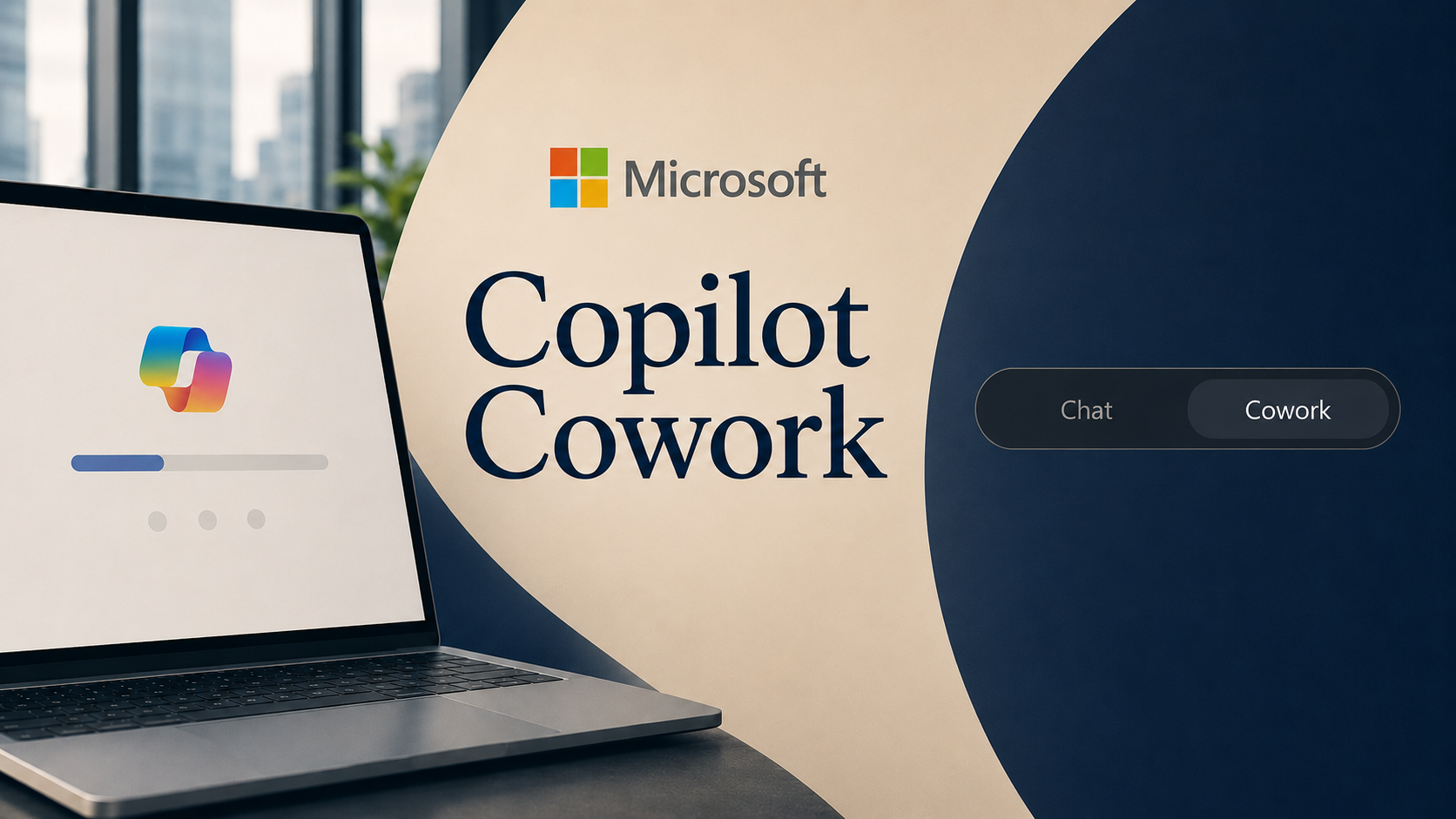
In a Wall Street Journal interview published June 22, Microsoft chief executive Satya Nadella argued that the next phase of AI should be about making it cheaper, more trustworthy, and easier to swap, rather than more powerful. He criticized rival labs for telling the public that white-collar work is finished while asking for unlimited money to build data centers, and said the industry has to earn what he called the public's permission. The price war is already showing up in Microsoft's own bills. Copilot Cowork, the assistant that does multi-step work on its own that we covered last week, now charges by usage rather than a flat monthly fee. It bills in small credits that cost about a penny each, so a company pays for what it actually uses, on top of the paid Copilot license each person still needs. Microsoft is also weighing whether to offer DeepSeek, an ultra-cheap Chinese model, inside Copilot, and it has built its own lower-cost models plus an agent that hands each task to whichever model is cheapest. Microsoft makes most of its AI money running other companies' models for them, so when models get cheap, Microsoft loses little and the labs that sell the models lose a lot.
What it all means: When the company that rents you the shelf space says the products on it should be cheap and interchangeable, notice who that helps. Cheaper, swappable models and pay-for-what-you-use pricing are good for the people buying them. They are also exactly what strips the value from the companies Microsoft competes with.

+ Anthropic Put Claude Inside Slack As A Full-Time Teammate

On June 23, Anthropic launched Claude Tag, a version of its AI that lives directly inside Slack channels and behaves like a permanent member of the team. Instead of opening a separate app, you tag Claude in a channel to hand it work, ask for a summary, or let it jump into a conversation on its own when it spots something it can help with. It is in beta for Anthropic's business and enterprise customers. What makes this different from the chat bots companies already have is memory and reach. Each Claude has its own identity tied to specific channels, remembers past conversations, and can pull facts from other channels it has been approved to see, so a legal Claude cannot read engineering chats and the other way around. Hand it a multi-step job and it splits the work into stages, does them with the tools it has access to, and posts its progress in the thread for everyone to follow. Administrators decide what each Claude can see and when it is allowed to speak.
What it all means: The AI is moving out of its own window and into the place your team already talks all day. That makes it far easier to use and far harder to ignore, and it hands every manager a new problem: deciding what the assistant may read, and how anyone checks the work it did on its own.

+ Santander Said AI Will Save It More Than 430 Million Pounds

On June 22, the global bank Banco Santander said it expects to cut costs by more than five hundred million euros, about four hundred and thirty million pounds, by rolling AI out across its operations. The bank is giving all 185,000 of its staff worldwide access to AI tools and is targeting more than a billion euros in combined savings and new revenue between 2026 and 2028. Some of the detail is concrete. In the UK, Santander is pointing AI at card-related phone calls, aiming to handle 240,000 of them, about 40 percent of the yearly total, through self-service. The bank has not said whether the savings will cost jobs, and has not announced any cuts tied to the rollout.
What it all means: Santander is one of the first big banks to put a hard number on what AI saves, and that number becomes a benchmark every competitor and board will measure against. Once a savings figure is public, the pressure to match it spreads fast. The line the bank did not draw, between cost saved and jobs kept, is the one its own staff will be watching.

More Stories

Google's Nobel Prize Winner Left For Anthropic.

On June 22, John Jumper, the Google DeepMind scientist who shared a Nobel Prize for using AI to predict the structure of proteins, said he is leaving for Anthropic. He is the second star researcher to leave Google for a rival in a single week, after Gemini co-lead Noam Shazeer departed for OpenAI.

OpenAI Released An AI Built To Defend Against Hackers.

On June 23, OpenAI expanded Daybreak, its cybersecurity program, with a tool that scans software for weaknesses and writes fixes for a human to approve, alongside a new model called GPT-5.5-Cyber. OpenAI also signed security agreements with eight countries and the EU to help protect public infrastructure.

Japan's Sakana Launched A Model That Uses Many Models At Once.

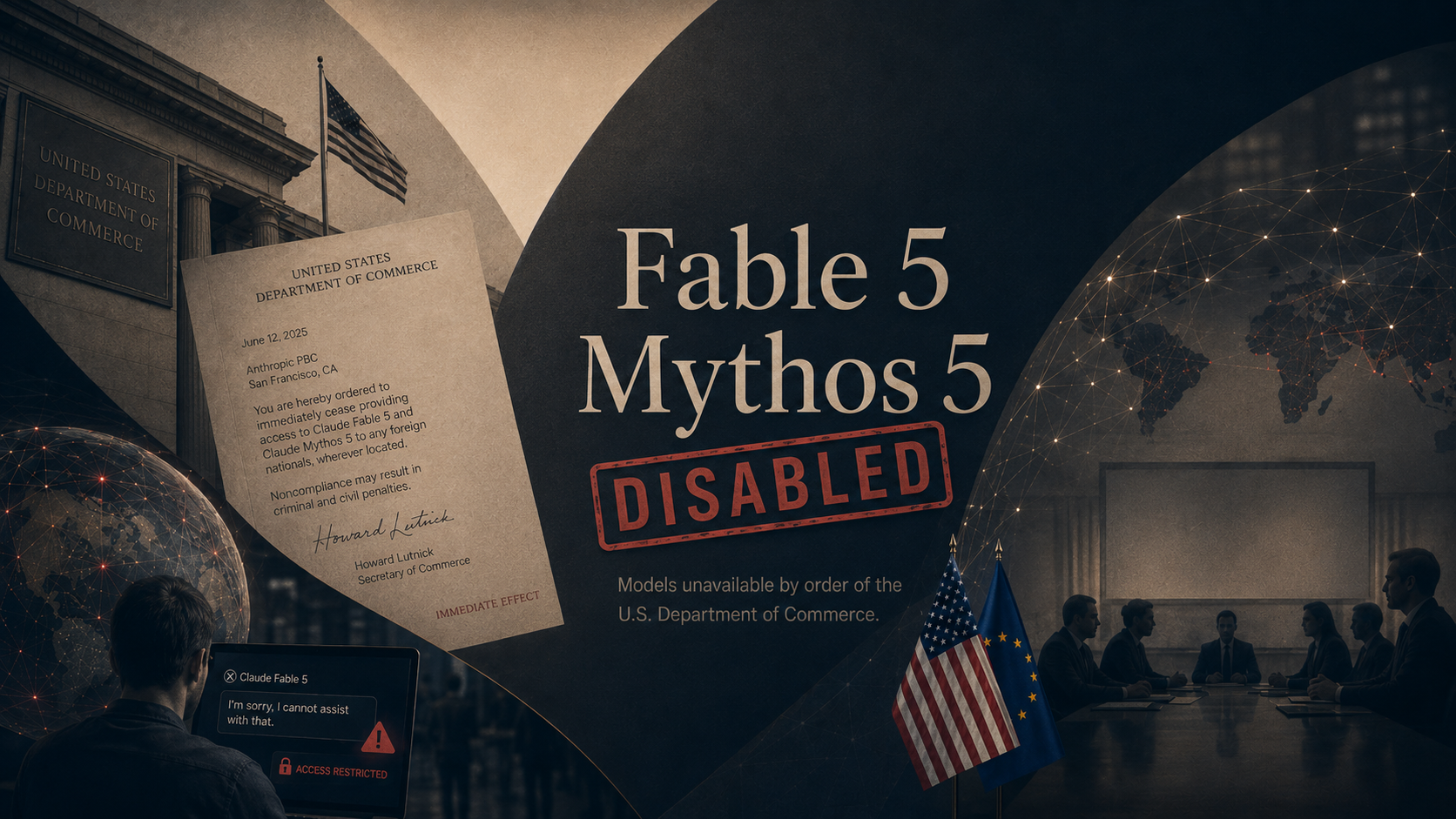
On June 23, Sakana AI released Fugu, which farms each request out to a pool of AI models behind a single connection, then checks and merges the best answer. Sakana pitched it as a way to get top-tier results without depending on any one model a government could pull offline, a direct nod to the US order that recently disabled Anthropic's best models.

China Took The Supercomputer Crown From The US.

Reported June 25, a supercomputer in Shenzhen was declared the world's fastest, the first time China has held the top spot since 2017.

Why It Matters

Underneath the week's headlines was a single subject: cost. What the smartest model costs to build, to run, and to replace ran through the biggest moves. Microsoft pushed to drive the price of models toward zero and started billing its own assistant by the sip. A major bank put a hard number on what AI saves it. And a Japanese lab built a tool whose whole pitch is that no single model is worth depending on. The capability is settled enough now that the fights have moved to the money.

For You

For most people the practical upshot of a price war is cheaper or free access to tools that cost real money a year ago, and more of them, faster. The same pressure cuts the other way, because the cost a company saves with AI is often a cost that used to be someone's job, and banks handing AI to every employee rarely say that part out loud. The model behind your favorite app is also becoming something you cannot see or choose, swapped underneath you for whatever is cheapest that week.

For Your Work

AI spending is becoming a line item executives have to defend, and a savings figure they will be asked to produce. Santander naming a four-hundred-million-pound target turns AI from an experiment into a number on a plan, and every competitor now has a benchmark to hit. At the same time, the model under your tools is becoming cheap and swappable, so the steady habit is to avoid building everything around one provider and to know what you would switch to. And with Claude now living inside Slack, the assistant is moving into the tools your team already uses every day, which makes the rules around what it can see and when it can act a near-term decision rather than a someday one.

One Thing To Try This Week

How to Turn A Document Into Audio You Can Listen To

Last week we turned a spreadsheet into charts and a written takeaway. This week we take the files you already work with and turn them into something you can listen to on a walk or a commute. Upload a report, an article, or your own notes, and have each tool read it back or build a short audio overview you can play anywhere. This is also more or less how our own podcast gets made.

Claude (via Cowork or claude.ai)

  1. Open the Claude app on your phone, or claude.ai on a computer. Voice works on the mobile and desktop apps and on the web.
  2. Start a new chat, click the plus or paperclip to attach your document, and ask: "Read this and give me a two-minute spoken summary I can listen to."
  3. Turn on voice mode with the voice icon in the message bar, then listen as Claude reads its summary aloud. Free accounts get roughly 20 to 30 voice conversations a day.
  4. Keep talking to it. Ask "what are the three things I should remember" or "explain the second section more simply" and it answers out loud.

ChatGPT

  1. Start a new chat and click the paperclip to upload your document. This works on every plan.
  2. Ask: "Summarize this in a tight two-minute script written to be read aloud."
  3. On the response, tap or hover over the message and choose Read Aloud to hear it in a natural voice, with controls to pause, rewind, and change speed.
  4. On the mobile app, tap the headphone icon to open voice mode and ask follow-up questions out loud, choosing from several voices.

Microsoft Copilot

  1. This uses Microsoft 365 Copilot and needs a work license. Open your document in Word for Windows or Word on the web.
  2. Open Copilot and choose to create an Audio Overview of the document. Copilot builds a podcast-style audio version that walks through the document.
  3. Use the player to speed up, skip forward or back, or pause, and save the audio to OneDrive to finish later or share it with your team.
  4. No Word license? On the free Copilot at copilot.microsoft.com, click the microphone to start Copilot Voice, paste or describe your text, and ask it to summarize and read the result back.
Bonus: On the Copilot mobile app and in OneDrive on your phone, you can turn a file into an audio overview on the go, which is the closest any of these comes to a private podcast made from your own documents.
Try This Prompt
Read the attached document and write me a two-minute audio script in plain, spoken language. Open with the single most important takeaway, then give me the three things I most need to remember, and end with anything I should double-check. Keep it conversational, like you are catching me up on a walk.

Spread The Word

Love the Wyecliff Weekly? Refer a friend and earn rewards on our referral program.

See the referral tiers
Wyecliff Weekly

Never miss an edition.

Wyecliff Weekly lands every Friday at 6 AM Mountain. One short email with the moves that matter, a prompt to run on Monday, and one playbook from the field.

One email a week. No spam. Unsubscribe anytime.

Common Questions

When does Wyecliff Weekly arrive?
Every Friday morning at 6 AM Mountain. One email a week with the biggest AI stories, what they mean for your work, and one thing to try before Monday.
Is Wyecliff Weekly free?
Yes. Subscribe with your work email and read every edition at no cost. We write for operators who want plain takes, not a sales pitch.
What is inside each edition?
Top AI news with context, a short take on why it matters for your business, and one practical prompt or workflow you can run this week.
How do I unsubscribe?
Every email includes an unsubscribe link at the bottom. One click and you are off the list. No hoops.
/newsletter/wyecliff-weekly-edition-29