Wyecliff
All editions

Cook Passes the Torch - What's Next?

April 24, 20265 min read
The AI stories that actually matter this week | Edition #20 | April 24, 2026
Big tech finally moved on AI this week. All at once. Apple announced Tim Cook is stepping down. Adobe rebuilt its flagship product around AI agents. And a four-year-old coding startup got a $60 billion offer from SpaceX. This was a week of turning points. Let's get to it.

Now Available: The Wyecliff Weekly Podcast

Prefer to listen? Every edition of the Wyecliff Weekly is now generated as a podcast. Same stories, same analysis, same lessons. Just press here.
Listen to this edition

Top Stories

+ Tim Cook Is Stepping Down As Apple CEO

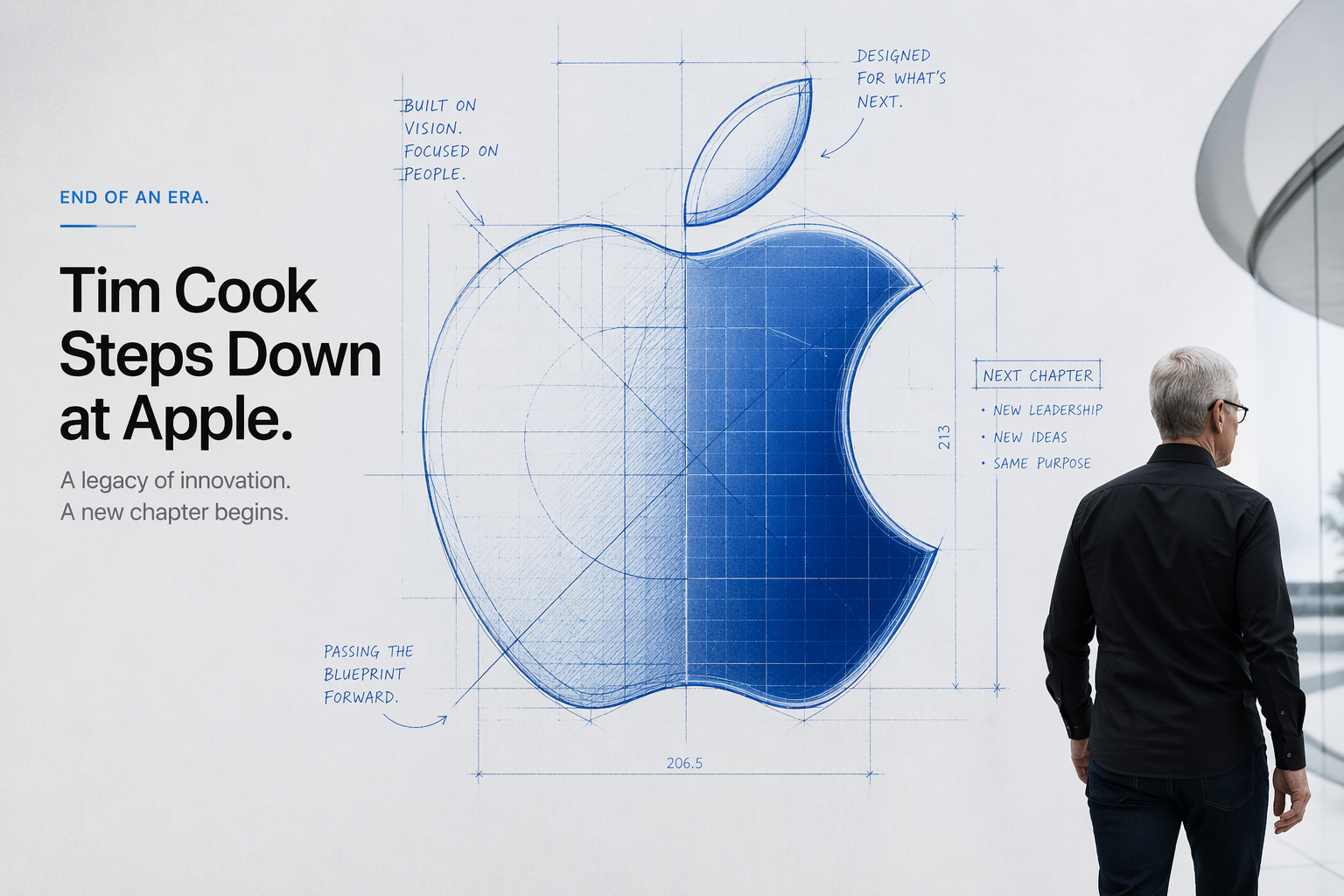
Apple announced Monday that Tim Cook will step down as CEO on September 1 after 15 years in the role. His replacement is John Ternus, the 51-year-old head of hardware engineering who has been at the company since 2001. Cook will stay on as executive chairman, focusing on relationships with governments and regulators. The board approved the move unanimously and called it the result of a long succession planning process. Cook took over from Steve Jobs in 2011 when Apple was worth about $300 billion. Today it is worth around $4 trillion. But the company is widely seen as behind on AI, having spent the last three years watching OpenAI, Anthropic, and Google define the moment from the sidelines. Ternus inherits that problem. He is already leading the work on smart glasses, camera-equipped AirPods, and a new internal AI platform. Apple stock barely moved on the news, which is the reaction you get when nothing about a transition looks surprising.
What it all means: Every major tech CEO who took the job before 2015 is now either gone or on the way out. The people running these companies for the next decade will be the people who have to answer for their AI strategy, not the ones who built the last era.

+ A Discord Group Got Access To Anthropic's Most Dangerous AI

Anthropic confirmed on Tuesday that an unauthorized group has been using Claude Mythos, the most powerful and restricted AI model the company has ever built. Mythos is the model that US and UK regulators flagged last week for being able to plan and execute complex cyberattacks. Anthropic had kept it under tight control, sharing it only with a small group of vetted companies including Amazon, Google, Microsoft, Apple, and Cisco. According to Bloomberg, a Discord group figured out where the model was hosted based on leaked details from an AI training company called Mercor, and then got in through a third-party contractor working with Anthropic. The group has been using the model continuously since Mythos launched. They have not been caught using it for attacks, but they have been using it. Anthropic says the breach was limited to the vendor's systems and did not reach Anthropic's own infrastructure. The investigation is ongoing.
What it all means: A week after two governments took formal action on Mythos for being too dangerous, the model is now being used by people Anthropic did not approve. The challenge with controlling a capability this powerful is not whether the company that built it wants to control it. It is whether they actually can.

+ SpaceX Made A $60 Billion Offer For A 4-Year-Old Coding Startup

Cursor, an AI coding tool made by a 4-year-old company called Anysphere, raised $2 billion this week at a $50 billion valuation. Andreessen Horowitz led the round and Nvidia joined. Two days later, SpaceX announced a separate deal giving it the right to buy Cursor outright for $60 billion later this year, or to pay $10 billion if it walks away. Either way, SpaceX is now the most likely future owner of the tool most AI engineers use to write their code. For context, Cursor's valuation has more than doubled since November. The company is now worth more than Boeing, Kraft Heinz, or Target. Its total funding, just over $3 billion, is less than what SpaceX is willing to pay for the option to buy it.
What it all means: AI coding has become the single most valuable category in software. The tools that help engineers build other tools are where the biggest money is moving, faster than any category in recent memory. For buyers and sellers of any software company, that pricing gravity now sets the ceiling on what AI-adjacent products are worth.

+ Adobe Threw Out Its Playbook And Rebuilt Around AI Agents

At its annual Summit conference on Monday, Adobe announced that it is rebranding its flagship Experience Cloud as CX Enterprise and rebuilding the whole platform around AI agents. The new system works with Anthropic, OpenAI, Google, Microsoft, Amazon, and Nvidia models. Every major global ad agency is standardizing on it, including WPP, Publicis, Omnicom, dentsu, Havas, and Stagwell. Every major consulting firm is packaging it for their clients, including Accenture, Deloitte, IBM, PwC, Capgemini, Infosys, and TCS. Adobe's stock is down roughly 30 percent this year on fears that AI-native tools will replace what it sells. This launch is the company's answer. If it works, Adobe becomes the place where agents from every major AI company plug in to run corporate marketing and customer experience work. If it does not, the stock pressure gets worse.
What it all means: When a category leader this big rebuilds its platform around agents, that is the signal enterprise buyers have been waiting for. Expect the next 12 to 18 months of budget conversations inside most mid-sized and large companies to include a line item for agentic workflows, whether they call it that or not.

More Stories

Anthropic's Revenue Passed OpenAI's.

Anthropic announced earlier this month that its annual revenue run rate has crossed $30 billion, up from $9 billion at the end of 2025. OpenAI's most recent reported figure is $25 billion. OpenAI disputes the comparison, arguing that Anthropic's accounting inflates the number by about $8 billion. Either way, the two companies are now running neck and neck.

Tesla's Custom AI Chip Is Finished.

Musk announced on April 15 that Tesla's AI5 chip, its first fully custom AI processor, has been taped out and is heading to Samsung and TSMC for manufacturing. The chip is designed for self-driving cars and for the Optimus humanoid robot. Tesla stock jumped 8 percent on the news. Volume production is expected in mid-2027.

Yelp Now Books Dinner For You.

Yelp launched a new AI assistant on Tuesday that can answer questions, recommend restaurants, and actually book the reservation without leaving the chat. It also handles appointments through Zocdoc, Vagaro, and Calendly. Available in the Yelp iOS app now, with Android and desktop later this year.

Why It Matters

For three years, the question with big tech companies has been how they would respond to AI. This week, several of them finally did, all at once. One of the world's best-known companies is changing CEOs. Adobe, a company that has led the field of design for decades, is trying desperately not to fall behind, and the fastest-growing software companies are now four-year-old startups worth more than most of the Fortune 500.

For You

Yelp's new assistant is the version of AI that shows up in your life without asking. You open the app to find a place for dinner and the app books it. You want an appointment, it books it. That is the pattern consumer tech is moving toward across the board. Meanwhile, a four-year-old coding startup just got a $60 billion offer, and Anthropic passed OpenAI in revenue. Both should reset how fast you expect new AI companies to reach household-name size. The pace is not slowing down.

For Your Work

Adobe's CX Enterprise launch tells you where the next 12 to 18 months of enterprise software are heading. The tooling inside marketing, sales, and customer experience teams a year from now will be meaningfully different, and budget cycles will bend around it. If your company buys any software from Adobe, Salesforce, Microsoft, or Google, expect agents to start appearing in the workflows you already use.

One Thing To Try This Week

How To Save Your Best AI Setup Once And Reuse It Forever

Last week we covered how to turn meeting notes into clear action items. This week builds on that. Once you land on a way of working with AI that you like, the structure of the instructions, the files you give it, the tone you want back, you should not have to rebuild that from scratch every Monday. All three major platforms have a way to save that setup once and reuse it. Here is how.

Claude (via Cowork or claude.ai)

  1. Open Claude and look at the left sidebar. Click Projects, then New Project.
  2. Give the project a name, like "Weekly Team Meetings" or "Client X."
  3. In the project, click Set Custom Instructions. Write out how you want Claude to handle conversations in this project. Keep it short, 200 to 400 words. Describe your role, the format you want back, and anything Claude should avoid.
  4. Click Add Content to upload any files Claude should reference every time, like your style guide, your org chart, or a template you reuse.
  5. From now on, every chat you start inside that project already knows what to do. You do not re-explain yourself.

ChatGPT

  1. Open ChatGPT and click Explore GPTs in the sidebar, or go to chatgpt.com/gpts.
  2. Click Create in the top right. The builder will ask what you want the GPT to do. You can describe it in plain English and let ChatGPT write the setup for you, or click Configure to set it up yourself.
  3. Under Instructions, write how the GPT should behave. Same rules as Claude. Short, specific, concrete.
  4. Under Knowledge, upload any files the GPT should be able to read every time.
  5. Click Create to save. The GPT now lives in your sidebar and can be used by anyone you share it with, depending on your plan.

Microsoft Copilot

  1. Open Microsoft 365 Copilot in your browser or the desktop app. Click Agents in the left sidebar, then Create Agent. This does not require Copilot Studio for basic setups.
  2. Describe what you want the agent to do in plain English. Copilot will draft a name, description, and instructions for you.
  3. Review and edit the instructions, then add any files or SharePoint sites the agent should reference.
  4. Test it in the preview panel on the right. When you are happy with it, click Publish.
  5. The agent becomes available to you in Copilot Chat, and can be shared with colleagues if your admin allows it.
Try This Prompt
You are my assistant for [weekly team meeting / client work / personal planning]. Every time I start a conversation in this project, assume I am preparing for, running, or following up on a meeting. When I paste meeting notes, always return three things in this order: 1) a bulleted list of decisions made, 2) a table of action items with owner and due date, and 3) a short follow-up email under 150 words. If an owner is missing, flag it. Keep your tone direct and concise. Do not add filler or caveats.

Spread The Word

Love the Wyecliff Weekly? Refer a friend and earn rewards on our referral program.

See the referral tiers
Wyecliff Weekly

Never miss an edition.

Wyecliff Weekly lands every Friday at 6 AM Mountain. One short email with the moves that matter, a prompt to run on Monday, and one playbook from the field.

One email a week. No spam. Unsubscribe anytime.

Common Questions

When does Wyecliff Weekly arrive?
Every Friday morning at 6 AM Mountain. One email a week with the biggest AI stories, what they mean for your work, and one thing to try before Monday.
Is Wyecliff Weekly free?
Yes. Subscribe with your work email and read every edition at no cost. We write for operators who want plain takes, not a sales pitch.
What is inside each edition?
Top AI news with context, a short take on why it matters for your business, and one practical prompt or workflow you can run this week.
How do I unsubscribe?
Every email includes an unsubscribe link at the bottom. One click and you are off the list. No hoops.
/newsletter/wyecliff-weekly-edition-20