Wyecliff
All editions

Microsoft Tore up The OpenAI Deal | Wyecliff Weekly

May 1, 20265 min read
The AI stories that actually matter this week | Edition #21 | May 1, 2026
This was one of the most active weeks in AI all year, and almost none of it was about a new model. Microsoft and OpenAI rewrote their partnership. Elon Musk spent four days on the witness stand suing the company he helped start. China's DeepSeek launched a model that runs on Chinese chips at a sixth of the cost of GPT-5.5. And Google shipped a stack of Gemini updates that will land in millions of cars. Let's get to it.

Now Available: The Wyecliff Weekly Podcast

Prefer to listen? Every edition of the Wyecliff Weekly is now generated as a podcast. Same stories, same analysis, same lessons. Just press here.
Listen to this edition

Top Stories

+ Microsoft And OpenAI Rewrote Their Partnership

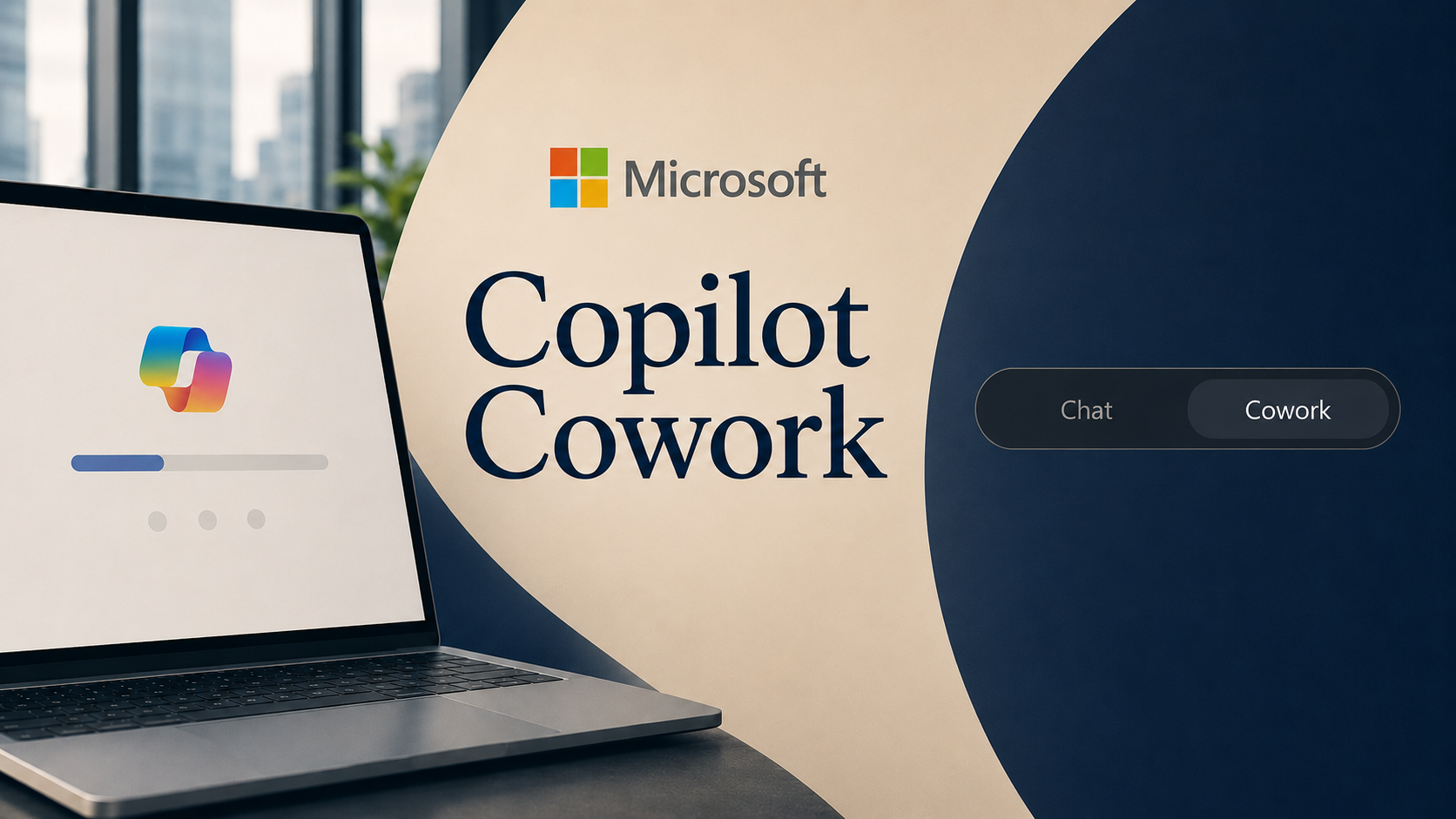
Microsoft and OpenAI announced an amended agreement on Tuesday that ends Microsoft's exclusive hold on OpenAI's technology. ChatGPT and the rest of the OpenAI product line can now run on Amazon and Google's clouds for the first time. Microsoft remains the primary cloud partner, OpenAI products will still ship on Azure first when possible, and Microsoft keeps a license to OpenAI models and products through 2032. Microsoft also dropped the AGI clause that previously cut off its commercial rights once OpenAI declared it had built a general-purpose AI. The change cleared the way for OpenAI's $50 billion deal with Amazon, announced in February, which had been stuck on the old exclusivity terms. Microsoft's stock rose on the news. Sam Altman called it the next phase of the partnership. Satya Nadella called it a simplification.
What it all means: The largest commercial relationship in AI is now a non-exclusive one. Every other big AI deal will use this template. Buyers should expect their AI tools to be portable across clouds inside a year, and any vendor still pitching exclusive lock-in is selling against where the market just went.

+ Musk And Altman Are In Court Over Who OpenAI Belongs To

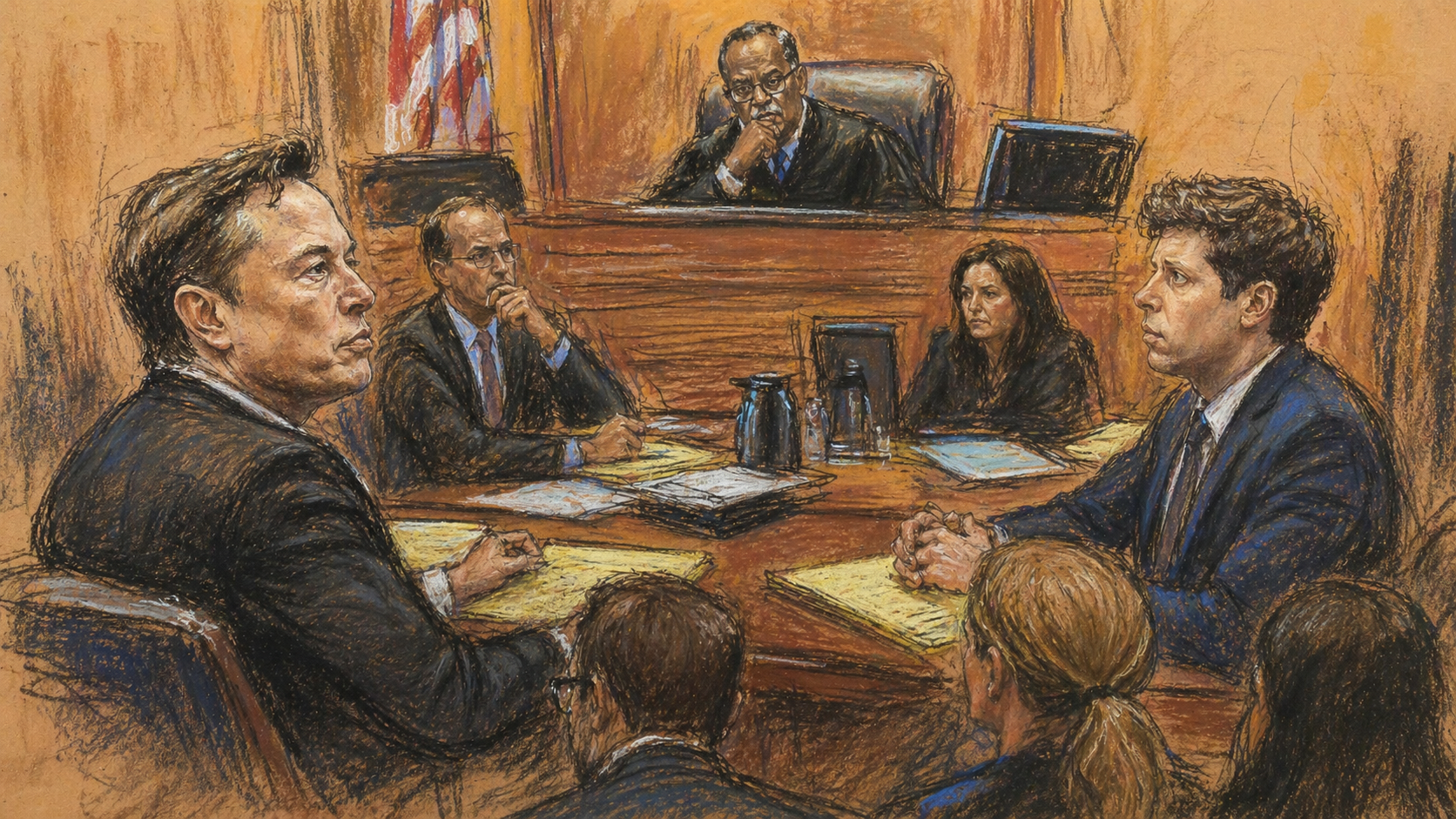
The civil trial between Elon Musk and OpenAI started Monday in Oakland, California, and ran four days through Thursday. Musk, who put $38 million into OpenAI when it launched as a nonprofit in 2015, is asking the court to revert OpenAI to its original nonprofit structure, remove Altman and president Greg Brockman from the board, and award $130 billion in damages to OpenAI's nonprofit foundation. He testified for roughly five hours on Wednesday and continued on the stand Thursday under cross-examination. Musk told the jury he was "a fool" for funding OpenAI when the founders said it would stay a nonprofit, and accused current leadership of "looting the nonprofit." Altman's lawyer pressed him on whether he ever read the 2018 term sheet he claims he was misled about. The judge had to remind Musk during cross-examination that he is not a lawyer and "has not taken a class in evidence." Musk replied that he had "technically" taken "law 101." A nine-person jury will advise the judge, who has the final ruling.
What it all means: This is the first major court case to test what an AI company owes its original mission and its early funders. The ruling will set the template for every other AI nonprofit-to-for-profit conversion that follows, and there are several already in motion.

+ China's DeepSeek Launched A Model That Does Not Need Nvidia

DeepSeek, the Chinese AI lab that shocked the industry last year by training a top model on a small budget, released DeepSeek V4 on April 24. The new model is open source, performs near the top of the global benchmarks for reasoning and coding, and runs on Huawei's Ascend chips instead of Nvidia's. It also costs roughly a sixth of what OpenAI's GPT-5.5 charges per million words processed. Three days later, DeepSeek added image and video understanding to its consumer chatbot, calling the upgrade "the whale can now see," a reference to its logo. The combined release puts a serious open-source model at a cheaper price, on Chinese chips, in front of consumers, all in the same week. The Council on Foreign Relations called the release "a new phase" of the U.S.-China AI race.
What it all means: For three years the assumption was that frontier AI required Nvidia chips and an American lab. DeepSeek just published a working counter-example. Pricing pressure on US frontier labs is going to intensify, and any AI strategy that assumed only one supply chain just got more fragile.

+ Google Put Gemini In Millions Of Cars

Google announced on Thursday that Gemini will replace Google Assistant in cars with Google built-in software, the in-dash system used by carmakers including Ford, Honda, Volvo, Renault, and Polestar. The rollout will reach millions of vehicles over the next several months, and the upgrade is free. Drivers will be able to ask Gemini to plan a trip, find a charging station, summarize a long incoming email, or set up a calendar item, all by voice while driving. It came in the same Gemini Drops update that brought a native Mac app, personalized image generation that can use photos of you, and significant upgrades to Gemini 3's voice and Workspace integration. Google's distribution advantage in cars, phones, and search continues to be the part of the AI race that no other company can replicate.
What it all means: For most consumers, the first time they use a real AI assistant by voice, hands-free, is going to be in a car. The default voice tool in everyday life is shifting from a basic timer-and-music helper to something that can plan, summarize, and act. Expect that bar to reset what people then expect from their phone, their TV, and their workplace tools.

More Stories

Goldman Sachs Pulled Claude From Its Hong Kong Office.

Goldman bankers in Hong Kong lost access to Anthropic's Claude this week after the bank reread its contract with Anthropic and confirmed Hong Kong is not on the list of countries where Anthropic officially supports the product. Gemini and ChatGPT remain available on the Goldman platform in Hong Kong. Goldman is still expanding its Anthropic work elsewhere, including a deal earlier this year to build automation agents on Claude.

Zuckerberg And Chan Are Putting $500 Million Into AI Biology.

Mark Zuckerberg and Priscilla Chan's Biohub announced a five-year, $500 million Virtual Biology Initiative on Wednesday. The plan is to use AI to model how disease begins inside a cell. The initiative includes Nvidia, the Allen Institute, the Human Cell Atlas, and the Human Protein Atlas. Zuckerberg has previously said the long-term goal is to use AI to help cure all human disease.

Oracle Is Cutting More Than 20,000 Jobs.

Oracle has continued the layoff round it started in March, and the total has now passed 20,000 employees worldwide, with India and the United States hit hardest. The company is not cutting because of weak performance. It is reallocating cash to AI infrastructure spending, which analysts estimate will free up $8 to $10 billion a year. Affected employees include long-tenured engineers and mid-level managers, many of whom received the news in early-morning emails with system access cut at the same time.

Why It Matters

Three of the biggest contracts in AI changed shape this week. Microsoft and OpenAI ended their exclusive deal. Goldman cut Claude in Hong Kong. DeepSeek shipped a top model on Chinese chips at a sixth of the price. None of it was about new technology. All of it was about who is selling AI to whom, and on what terms.

For You

DeepSeek's release matters in a way that will show up on your bill. When a credible model lands at a sixth of the price of the leaders, every American AI company has to respond. Expect ChatGPT, Claude, and Gemini paid plans to either get cheaper or come with significantly more usage in the next two quarters. Meanwhile, Gemini in your car, Yelp booking your dinners last week, and OpenAI hardware coming next year are all the same trend. The voice and chat assistants you already use are about to start doing things, not just answering things.

For Your Work

The Microsoft and OpenAI rewrite is the most immediate one for your business. The default assumption in enterprise software for the last two years was that your AI vendor and your cloud vendor were going to be the same company. That assumption is gone. Your next three IT contracts should be written for cross-cloud and cross-model portability. If you are buying an AI product right now, ask the vendor what happens to your data, your prompts, and your customizations the day you switch clouds. The companies that can answer cleanly will be the ones still standing in 2027.

One Thing To Try This Week

How To Connect Your AI To The Apps You Already Use

Most of your work lives in Gmail, Outlook, Google Drive, SharePoint, Teams, and a handful of other tools. Until recently, getting AI to actually read that work meant copy-pasting it into a chat window. All three major platforms have fixed that. Here is how to connect Claude, ChatGPT, and Microsoft Copilot to the apps you are already in every day, in under five minutes per platform.

Claude (via Cowork or claude.ai)

  1. Open Claude and click the Settings icon in the lower-left corner, then click Connectors. You will see the directory of available integrations including Google Drive, OneDrive, GitHub, Notion, Gmail, and others.
  2. Click Add next to the connector you want and follow the sign-in prompt. Claude will ask which folders or accounts it can read.
  3. Open the Project you saved last week, click Add Content, and choose the connector you just added. Pick the specific files or folders that are relevant. Claude will pull from those every time you chat in the Project.
  4. To verify it worked, ask the Project a question that requires reading a real file you connected, like "summarize the contract in the X folder."

ChatGPT

  1. Open ChatGPT and go to Settings, then Apps & Connectors. The list includes Google Drive, SharePoint, Dropbox, Outlook, Gmail, GitHub, HubSpot, and Teams. (OpenAI renamed Connectors to Apps in late 2025; both names refer to the same feature.)
  2. Click the connector you want and authorize the connection.
  3. Inside any chat or Custom GPT, type the @ symbol and the connector name (for example, @SharePoint) to pull files from that source into the conversation. Custom GPTs can also have specific files attached as Knowledge so they always reference them.
  4. ChatGPT Business and Enterprise plans support a synced version of the Google Drive and SharePoint connectors that index your content for faster retrieval.

Microsoft Copilot

  1. Microsoft 365 Copilot already has built-in access to your work email, calendar, OneDrive, SharePoint, Teams chats, and meeting transcripts. No setup required if you have a Copilot license.
  2. To extend Copilot beyond Microsoft tools, open Copilot Studio and click Connectors. You will find Microsoft 365 Copilot connectors for Salesforce, ServiceNow, Jira, Confluence, Box, Dropbox, and more.
  3. Add the connector, sign in to the source, and choose what content to expose. Copilot will then surface results from those tools alongside Microsoft 365 results when you ask a question.
  4. If you are in the Microsoft Frontier program, the new Agent 365 servers let you build agents in Copilot Studio that take action in Outlook, SharePoint, and Teams (sending email, scheduling, updating files), not just read from them.
Try This Prompt
Look at the documents I gave you access to in this Project. Pick the three most important to my work this quarter. For each one, pull out the key dates, the key people, and any open questions or decisions that have not been resolved yet. Format the output as a one-page brief I can share with my team.

Spread The Word

Love the Wyecliff Weekly? Refer a friend and earn rewards on our referral program.

See the referral tiers
Wyecliff Weekly

Never miss an edition.

Wyecliff Weekly lands every Friday at 6 AM Mountain. One short email with the moves that matter, a prompt to run on Monday, and one playbook from the field.

One email a week. No spam. Unsubscribe anytime.

Common Questions

When does Wyecliff Weekly arrive?
Every Friday morning at 6 AM Mountain. One email a week with the biggest AI stories, what they mean for your work, and one thing to try before Monday.
Is Wyecliff Weekly free?
Yes. Subscribe with your work email and read every edition at no cost. We write for operators who want plain takes, not a sales pitch.
What is inside each edition?
Top AI news with context, a short take on why it matters for your business, and one practical prompt or workflow you can run this week.
How do I unsubscribe?
Every email includes an unsubscribe link at the bottom. One click and you are off the list. No hoops.
/newsletter/wyecliff-weekly-edition-21