Wyecliff
All editions

The Pope Weighed In | Wyecliff Weekly, Edition #24

May 22, 20265 min read
The AI stories that actually matter this week | Edition #24 | May 22, 2026
This week the headlines went to the biggest names in the room. Google held its biggest event of the year, shipped a flood of new products, and undercut the price of AI coding by more than half. Anthropic reported numbers that put it on track for its first profitable quarter ever. And Pope Leo XIV signed his first major letter to the world. It is about AI. Let's get to it.

Now Available: The Wyecliff Weekly Podcast

Prefer to listen? Every edition of the Wyecliff Weekly is now generated as a podcast. Same stories, same analysis, same lessons. Just press here.
Listen to this edition

Top Stories

+ Google Shipped Everything At I/O And Cut The Price On AI Coding In Half

At Google I/O on Tuesday May 19, Google shipped more AI products in two hours than most companies ship in two years. The biggest one for business: a new coding tool called Antigravity 2.0, powered by a new model called Gemini 3.5 Flash. It beats Google's own previous flagship on every major coding benchmark, runs four times faster, and most tasks complete at less than half the cost of comparable Anthropic or OpenAI tools. On the consumer side, Google released Gemini Spark, a personal AI agent that reads your email and takes action across your apps. It opens to AI Ultra subscribers in the US next week. Google Search now has agents that will call businesses on your behalf for things like home repair and pet care. Google also announced AI-powered audio glasses for this fall. And Google Cloud's CEO confirmed Gemini will power the next version of Apple's Siri later this year.
What it all means: Anthropic and OpenAI have spent the year winning the AI coding market. Google just put a tool of the same caliber on the table at less than half the cost. The price gap is large enough that procurement teams will start asking that question for you.
+ Anthropic Is On Track For Its First Profitable Quarter

On Tuesday May 20, Bloomberg and CNBC reported that Anthropic generated $4.8 billion in revenue in the first quarter of this year and is on pace for $10.9 billion in the second quarter. If those numbers hold, Anthropic will post its first profitable quarter as a company. Annualized revenue has gone from $9 billion to over $44 billion inside the same calendar year. For comparison, it took AWS thirteen years to reach $35 billion in annual revenue. The company's profit margins on running Claude have jumped from 38% to 70% in twelve months. The new $30 billion funding round, at a valuation of more than $900 billion, is expected to close at the end of the month. That would put Anthropic above OpenAI's $854 billion valuation for the first time.
What it all means: For most of the AI race, the real business proof point was missing. This week Anthropic put one on the table. The company that was treated as the underdog twelve months ago is now growing faster than any software company in history.

+ Pope Leo XIV Wrote His First Letter To The World. It Is About AI.

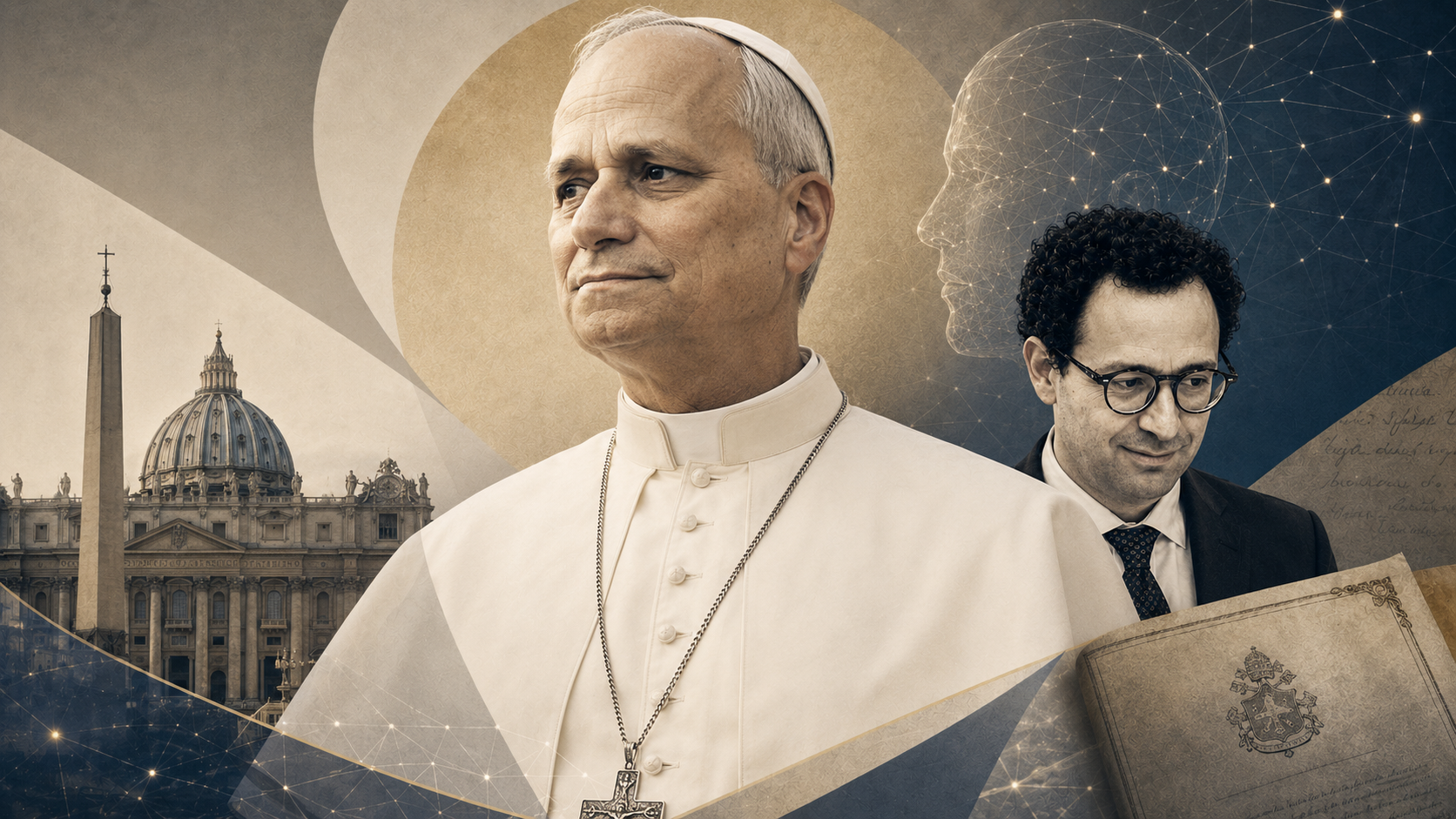
Popes communicate with the world through letters called encyclicals. They are the most formal statement a Pope can make and they get read by Catholics and non-Catholics alike. On Monday May 18, the Vatican announced that Pope Leo XIV will release his first encyclical on May 25. It is called Magnifica Humanitas, which translates to Magnificent Humanity. The subject is artificial intelligence and the protection of human dignity. The Pope signed it on May 15. That date is not random. It is exactly 135 years to the day since Pope Leo XIII signed Rerum Novarum, the 1891 encyclical that defined Catholic teaching on workers' rights at the start of the industrial revolution. By matching the date, Pope Leo XIV is publicly putting AI in the same category as the rise of the factory. And he chose Christopher Olah, co-founder of Anthropic and head of the company's interpretability research, to stand next to him at the Vatican when the document is presented.
What it all means: This is the first time a sitting Pope has used the highest form of Vatican teaching to frame artificial intelligence. It is also the first time an AI company has been chosen to stand next to a Pope at the launch of one. The Catholic Church has nearly 1.4 billion members worldwide. They are about to be told, by their highest authority, that AI is one of the defining moral questions of our time.

More Stories

Bristol Myers Squibb Gave 30,000 Employees Access To Claude.

On May 20, the pharmaceutical company Bristol Myers Squibb announced it is rolling Claude out to its full global workforce, about 30,000 people, as a company-wide AI layer. The deal covers drug discovery, clinical trial design, manufacturing, and routine operations. It is one of the largest single-employer Claude deployments to date and the latest example of even the most regulated industries moving past pilots and into full rollout.

Anthropic Bought The Startup That Powered Its Rivals' Software.

On Monday May 18, Anthropic acquired Stainless, a developer tools company whose software powers the official software libraries that OpenAI, Google, and Cloudflare use to connect their AI to outside apps. The deal is reported at more than $300 million. Anthropic is winding down the public version of the product. OpenAI and Google now have to rebuild infrastructure they were renting from a company Anthropic just bought.

OpenAI Took Codex Behind The Firewall.

On May 18, OpenAI and Dell announced a partnership to make Codex, OpenAI's AI coding tool used by more than four million developers weekly, available on a company's own servers instead of only in the cloud. The move is directly aimed at finance, healthcare, and government buyers that have rules against sending their data outside their walls. It is OpenAI's first explicit on-premise enterprise product.

Google Gemini Spark Begins Rolling Out Next Week.

Spark, the personal AI agent Google announced at I/O on Tuesday, opens to Google AI Ultra subscribers in the US starting next week. The Ultra tier is $19.99 a month. If you want to try the first wave of agents that act on your behalf across your inbox, calendar, and apps, this is the easiest way in until Anthropic and OpenAI open theirs to the same level of consumer access.

Why It Matters

The institutions arrived this week. The largest tech company in the world, the largest Christian church in the world, and the most-watched private company financials of the year all weighed in on AI in the same five days. Each of them said the same thing in their own language. AI is now a permanent fixture of the next decade and is being treated that way by people whose job is to think in decades.

For You

The Pope's encyclical lands in a different category from a product launch but it does something the product launches cannot. It hands more than a billion people a framework for thinking about AI without requiring them to understand the technology. That matters because most of the conversation about AI right now happens between engineers, executives, and reporters. Outside that bubble, people are still being asked to share their data, accept new features, and let new tools into their homes without much guidance. When Pope Leo speaks on May 25, that conversation gets a new and very large voice.

For Your Work

The center of gravity for serious AI work has moved out of demos and into deployments. Bristol Myers is putting Claude in front of 30,000 employees. OpenAI is going behind enterprise firewalls. Google is putting agents inside Search. The companies still treating AI as a future-of-work conversation will soon be talking to people who have already done it. If your team has not picked a platform, this is the part of the cycle where pilots end and standards get set. Whatever tool gets adopted now is the one your team will use for years.

One Thing To Try This Week

How To Let Your AI Take Action On The Web For You

Last week we covered voice mode, how to talk to your AI out loud. This week builds on that. Once you can talk to your AI, the next step is letting it do things for you on the websites you use every day. Read your inbox. Fill out a form. Pull a flight price. Book the appointment. All three major AI tools now offer a way to give your AI the keys to your browser. Here is how to set it up on each one.

Claude (via Cowork or claude.ai)

  1. Open the Chrome Web Store and search for "Claude." Install the official Claude in Chrome extension. The same extension also works in Microsoft Edge.
  2. Click the puzzle piece icon at the top right of Chrome and pin Claude so the icon is always visible.
  3. Click the Claude icon to open Claude in a side panel next to whatever you are browsing. Sign in with your Claude account.
  4. Type or speak what you want Claude to do. Examples: "find three flights from Denver to Seattle next Friday under $300 and list them," or "summarize this article in three bullets and email the summary to Drew." Claude will read the page, click buttons, fill in forms, and pause to confirm before doing anything sensitive like making a purchase.
  5. Claude in Chrome is available in beta on all paid Claude plans (Pro, Max, Team, Enterprise).

ChatGPT

  1. Download ChatGPT Atlas, OpenAI's browser, from chatgpt.com/atlas.
  2. Open Atlas and sign in with your ChatGPT account.
  3. In any tab, click "Ask ChatGPT" in the top right corner. A side panel opens. Click the "+" button in the chat box and select Agent Mode.
  4. Tell Agent Mode what you want it to do. Examples: "go through my Q4 spreadsheet and add a column with year-over-year growth," or "plan and book a weekend trip to Santa Fe under $800." Agent Mode plans the steps, navigates the websites, and pauses to ask for confirmation on sensitive actions like payment.
  5. Agent Mode is available in preview to ChatGPT Plus, Pro, and Business subscribers.

Microsoft Copilot

  1. Open Microsoft Edge. If you do not have Edge, download it from microsoft.com/edge.
  2. Click the Copilot icon at the top right of the browser. The Copilot side panel opens. Sign in with your Microsoft account.
  3. At the top of the Copilot panel, switch on Copilot Mode. This turns the browser into an AI-assisted workspace and unlocks Copilot Actions.
  4. Tell Copilot what to do. Examples: "unsubscribe me from every marketing email in my inbox," or "open Outlook, find the latest message from Bill, and summarize the thread." Copilot Mode can reason across up to 30 tabs at once.
  5. Copilot Mode for personal use is free. Business users can have IT enable a managed version through Edge for Business.
Try This Prompt
I need to plan a one-day trip to [city] next month. Open three of the top-rated restaurants for dinner there, pull the menus, and compare the price for two people including a glass of wine each. Then open three hotels with availability for that night and tell me which one has the best mix of price and reviews. Pause and ask me before booking anything.

Spread The Word

Love the Wyecliff Weekly? Refer a friend and earn rewards on our referral program.

See the referral tiers
Wyecliff Weekly

Never miss an edition.

Wyecliff Weekly lands every Friday at 6 AM Mountain. One short email with the moves that matter, a prompt to run on Monday, and one playbook from the field.

One email a week. No spam. Unsubscribe anytime.

Common Questions

When does Wyecliff Weekly arrive?
Every Friday morning at 6 AM Mountain. One email a week with the biggest AI stories, what they mean for your work, and one thing to try before Monday.
Is Wyecliff Weekly free?
Yes. Subscribe with your work email and read every edition at no cost. We write for operators who want plain takes, not a sales pitch.
What is inside each edition?
Top AI news with context, a short take on why it matters for your business, and one practical prompt or workflow you can run this week.
How do I unsubscribe?
Every email includes an unsubscribe link at the bottom. One click and you are off the list. No hoops.
/newsletter/wyecliff-weekly-edition-24