Wyecliff
All editions

Your AI Can Trade Now | Wyecliff Weekly, Edition #25

May 29, 20265 min read
The AI stories that actually matter this week | Edition #25 | May 29, 2026
This week AI moved from theory to action. Robinhood let its 27 million customers turn an AI agent loose on the stock market. The governor of California signed the first state-level executive order in the country to deal with AI's effect on jobs. And the head of Google DeepMind put a date on when AI will be able to do what humans do. Let's get to it.

Now Available: The Wyecliff Weekly Podcast

Prefer to listen? Every edition of the Wyecliff Weekly is now generated as a podcast. Same stories, same analysis, same lessons. Just press here.
Listen to this edition

Top Stories

+ Your AI Can Now Trade Your Stocks On Robinhood

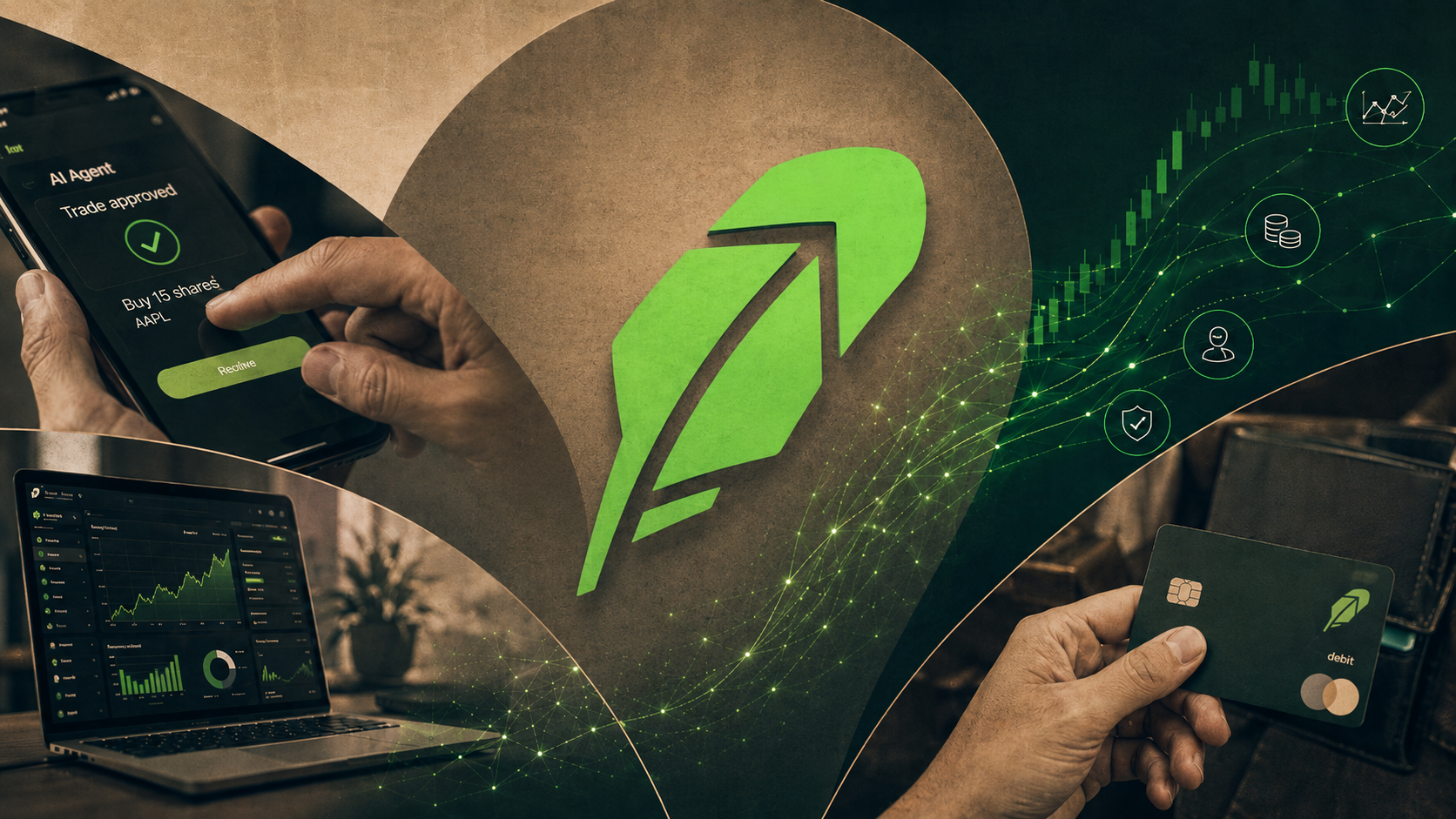
On Wednesday May 27, Robinhood launched Agentic Trading in beta to all 27 million of its US customers. The setup is straightforward. You open a separate trading wallet, pre-load it with money, and connect an AI agent from Claude or ChatGPT. The agent reads your portfolio, looks at the market, comes up with a strategy, and places trades on your behalf. You get notifications for every trade. Some require your approval before they execute, others go through automatically. Robinhood also launched an agentic credit card. The Robinhood Gold card now lets AI agents make purchases on your behalf. The two examples Robinhood gave: telling an agent to buy a pair of sneakers if the price drops below $100, or to book a restaurant reservation for a specific night. Stock trading rolls out first, with options, crypto, and prediction markets coming later this year.
What it all means: This is the first time a US retail brokerage has given AI agents the keys to a real money account. For most readers this is the first AI agent decision that will actually touch their bank balance. Whether you turn it on or not, the rest of the market is about to find out what happens when 27 million retail investors let software trade for them.
+ Gavin Newsom Signed The First State Law Aimed At AI Layoffs

On Thursday May 21, California Governor Gavin Newsom signed a first-of-its-kind executive order that directs state agencies, labor experts, economists, universities, and major employers to study how AI is reshaping the workforce and to design protections for workers who lose their jobs to it. State agencies have 90 days to deliver an analysis of which industries and demographic groups are being hit hardest. The political context matters. In February, the AFL-CIO and California labor leaders told Newsom they would not support a 2028 presidential run if he failed to act on AI and jobs. This is the act. California now has policy in motion. The federal government does not. President Trump pulled his own AI executive order off the table on the same day after his tech advisers told him it was too restrictive.
What it all means: California has the seventh-largest economy in the world. Whatever framework comes out of these 90 days will set the template every other state borrows from. The state-versus-federal split on AI policy that opened up this week is the new front line.

+ The CEO Of Google DeepMind Put A Date On AGI: 2030

On Wednesday May 27, Demis Hassabis, the Nobel laureate who runs Google DeepMind, sat for an interview with The Rundown and said artificial general intelligence (AI that can do anything a human can do, across any field) is on track to arrive by 2030. He added that 2029 is now in play. This is the first time a sitting frontier-lab CEO has named a specific year publicly. Hassabis was specific about what is still missing. Today's best AI is shaky on physics, has poor memory across long sessions, fails on consistency over time, and cannot learn continuously the way humans can. He called today's AI agents "a practice run" for what is coming. He also said the next disease AI will help cure is most likely one we already understand the cause of.
What it all means: For the past three years, AGI was the thing engineers debated in podcasts. This week the head of one of the two top AI labs gave it a release window. Even if he is off by a year or two, the timeline shrinks every AI conversation from "someday" to "this decade."

More Stories

Zuckerberg's Biohub Released An AI Model That Maps Every Known Protein.

On May 27, Biohub, the medical research institute funded by Mark Zuckerberg and Priscilla Chan, released a free AI model called ESMFold2 along with a map of 6.8 billion proteins and 1.1 billion predicted structures. Biohub says the model beats Google DeepMind's AlphaFold3 and can compress years of protein research into hours or days. The full system is open and free for any researcher in the world to use.

Anthropic's AI Security Tool Found Over 10,000 Software Vulnerabilities In A Month.

On May 25, Anthropic announced that its AI-powered vulnerability hunter, Claude Mythos, found over 10,000 high-severity software flaws in its first month of operation. The partners using it include Apple, Amazon Web Services, Google, JPMorgan Chase, Microsoft, and NVIDIA. One of the bugs it found, inside a cryptography library used by billions of devices, would have let an attacker create fake bank websites that looked real. Anthropic's own framing of the news: finding the bugs is fast, fixing them is slow, and AI just widened that gap.

The Pope's First Encyclical On AI Called To "Disarm" It.

On Monday May 25, Pope Leo XIV released his first encyclical, Magnifica Humanitas. The 42,300-word document warned that artificial intelligence risks deepening inequality, weakening democracy, and undermining human dignity. The Pope called on the world to "disarm AI" by removing it from military and commercial pressure. Anthropic co-founder Christopher Olah spoke at the Vatican alongside cardinals at the presentation, and the Pope broke precedent to speak at the unveiling himself.

Trump Pulled His Own AI Executive Order Off The Table.

On Thursday May 21, hours before his planned signing ceremony, President Trump postponed his administration's executive order on AI. The order would have invited US AI companies to give the federal government early access to test new models before public release. Trump pulled it after tech adviser David Sacks and others argued it was too restrictive. The same day, Gavin Newsom signed California's AI workforce order. The contrast was hard to miss.

Why It Matters

This week the response to AI started catching up to the speed of AI itself. For a year, the labs have been sprinting and everyone else has been arguing about AI from a safe distance. That posture broke this week. Decisions that had been put off, deferred, or studied in committee got made out in the open and on the record. The default of waiting and seeing is gone.

For You

If you have a Robinhood account, the choice of whether to turn on AI trading is now in your settings. If you do not, the people who do will still move the market you invest in. The Pope spoke to 1.4 billion people about why AI deserves moral attention. The head of Google DeepMind named a year for when AI can do what you can do. None of these are debates anymore. They are starting positions.

For Your Work

The labor question is no longer theoretical. California has 90 days to publish an analysis of which jobs AI is replacing first and which workers are getting hit hardest. Whatever lands in that report will shape policy in every state that follows, and it will arrive faster than most companies have planned for. Companies that have not started workforce planning around AI will be doing it under a deadline by late summer. The ones that have started will have a head start that compounds.

One Thing To Try This Week

How To Create An Image From A Description

Last week we covered how to let your AI take action on the web for you. This week we go the other direction. Instead of asking your AI to do something out in the world, you ask it to make something visual for you. A draft image for a slide. A social post graphic. A first cut of a logo idea. A meeting visual. Here is how it works on each of the three major AI tools.

Claude (via Cowork or claude.ai)

  1. Claude does not create photographic or illustrated images natively the same way ChatGPT and Microsoft Copilot do. It can build diagrams, charts, and SVG graphics directly in your conversation through its Artifacts feature, which is useful for visual aids inside documents or slides.
  2. For traditional image generation (type a description, get a picture), you connect Claude to an outside image tool. Three useful connectors to start with: Adobe Creative Cloud (official Anthropic connector, works across Photoshop, Premiere, Express, and Adobe's Firefly image generator, requires an Adobe subscription); Canva via Affinity by Canva (official Anthropic connector, lets Claude generate and edit images inside Canva, free tier available); and Hugging Face Spaces (free, connects Claude to open-source image models like Black Forest Labs's FLUX, the most technical of the three to set up).
  3. To add a connector, open Claude, go to Settings, then Connectors, then Add Connector. Pick the one you want and sign in.

ChatGPT

  1. Open ChatGPT on the web or in the app and start a new chat. Image generation is built directly into the conversation, no separate tool needed.
  2. Type what you want to see. Be specific about subject, style, mood, and aspect ratio. Example: "A photorealistic image, wide aspect ratio, of a warehouse in the early morning, sunlight through the windows, two forklifts in the foreground, a worker walking past with a clipboard."
  3. ChatGPT generates the image inline in the conversation. Click it to enlarge, download, or copy.
  4. To edit, do not start over. Tell ChatGPT what to change. Example: "Make the worker wearing a yellow safety vest." Or, "Change the lighting to early evening."
  5. Image generation is included in ChatGPT Plus ($20/month), Team, Pro, and Enterprise. Free users get a limited number per day.

Microsoft Copilot

  1. Go to copilot.microsoft.com or open the Microsoft 365 Copilot app on desktop or mobile.
  2. From the navigation panel on the left, select Create.
  3. Select Describe your image and type what you want. The more detail, the better.
  4. Before submitting, pick a style (Photorealistic, Surrealism, Anime, and more) and a shape (Square, Portrait, or Wide).
  5. Copilot takes a couple of minutes to generate. Once it does, ask for tweaks in plain language ("change the background color to green," "remove the second person") or select the image to download.
  6. Image generation is free for personal use with a Microsoft account.
Try This Prompt
Generate a wide aspect ratio photorealistic image of a small business owner standing in front of their shop on Main Street, holding a tablet. Late afternoon light. They are smiling at the camera. The shop sign behind them reads 'Wyecliff.' Then make a second version where the owner is sitting at a desk inside the shop, looking at a laptop. Keep the same person and the same shop in both images.

Spread The Word

Love the Wyecliff Weekly? Refer a friend and earn rewards on our referral program.

See the referral tiers
Wyecliff Weekly

Never miss an edition.

Wyecliff Weekly lands every Friday at 6 AM Mountain. One short email with the moves that matter, a prompt to run on Monday, and one playbook from the field.

One email a week. No spam. Unsubscribe anytime.

Common Questions

When does Wyecliff Weekly arrive?
Every Friday morning at 6 AM Mountain. One email a week with the biggest AI stories, what they mean for your work, and one thing to try before Monday.
Is Wyecliff Weekly free?
Yes. Subscribe with your work email and read every edition at no cost. We write for operators who want plain takes, not a sales pitch.
What is inside each edition?
Top AI news with context, a short take on why it matters for your business, and one practical prompt or workflow you can run this week.
How do I unsubscribe?
Every email includes an unsubscribe link at the bottom. One click and you are off the list. No hoops.
/newsletter/wyecliff-weekly-edition-25