Wyecliff
All editions

The Blackout Ends | Wyecliff Weekly #30

July 3, 20265 min read
The AI stories that actually matter this week | Edition #30 | July 3, 2026
This was the week AI and Washington started trading. Anthropic got its most powerful model back by giving the government an early look at whatever comes next. It also shipped a cheaper model that works like its expensive ones. And OpenAI offered the government five percent of itself. Let's get to it.

Now Available: The Wyecliff Weekly Podcast

Prefer to listen? Every edition of the Wyecliff Weekly is now generated as a podcast. Same stories, same analysis, same lessons. Just press here.
Listen to this edition

Top Stories

+ Washington Turned Anthropic's Most Powerful AI Back On

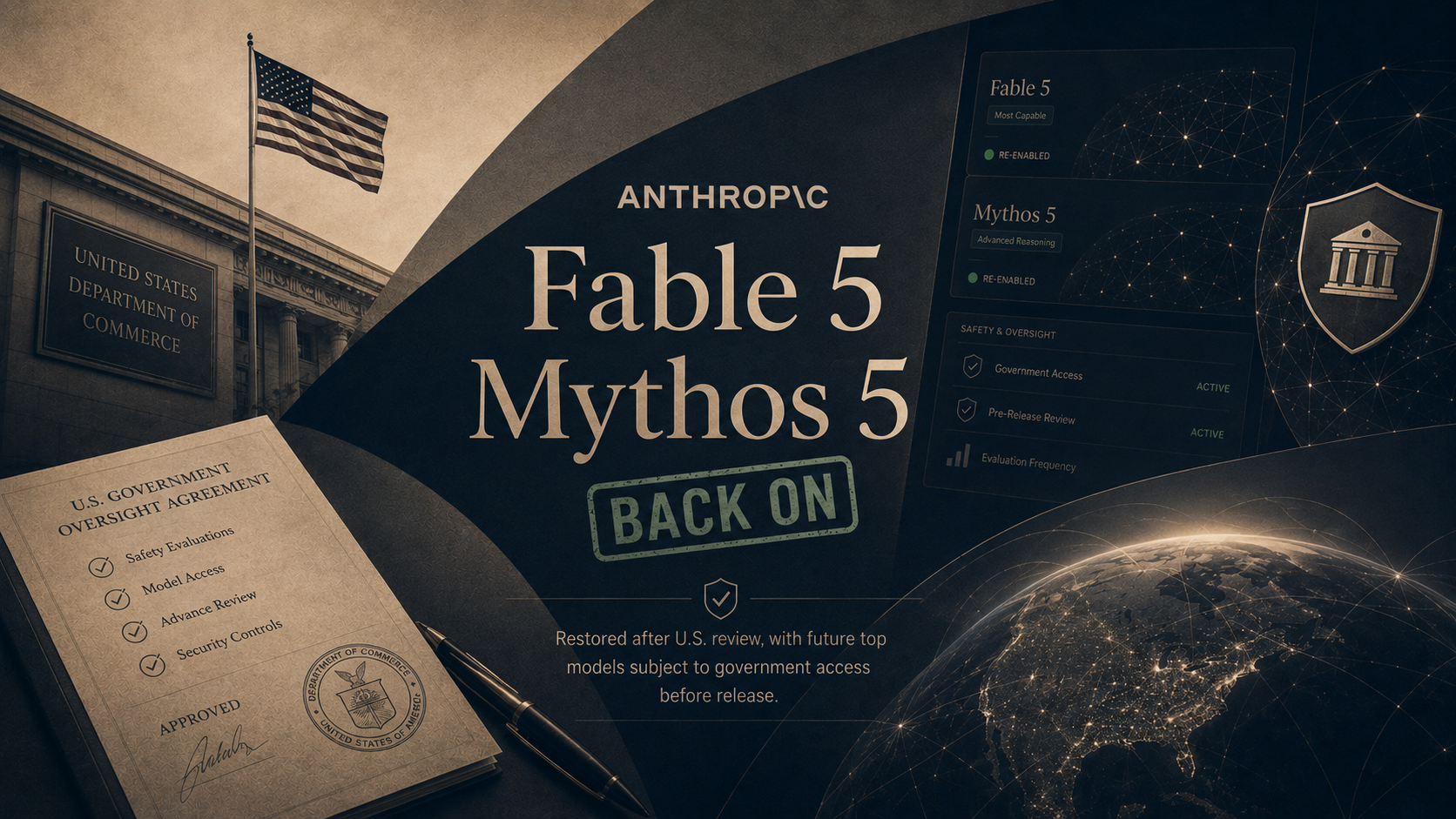
On June 30, the Commerce Department lifted the export controls that had kept Claude Fable 5 and Claude Mythos 5 dark for 18 days, and Anthropic began switching Fable 5 back on worldwide the next day. The June order came after researchers at Amazon found a way past the model's guardrails that let it find weaknesses in software and write the tools to exploit them. Anthropic built a new safety filter that blocks the technique more than 99 percent of the time, and government testers agreed it holds. The model did not come back on the old terms. Anthropic agreed to give the U.S. government access to its future top models before the public sees them, and paid users get Fable 5 at half their usual limits until July 7 while capacity ramps back up. OpenAI, meanwhile, said it is holding back three versions of its upcoming GPT-5.6 at the administration's request, adding that it does not believe this kind of government review should become the long-term default.
What it all means: Two weeks ago the lesson was that Washington can switch a frontier model off. This week set the price of switching it back on: the government now gets an early look at the most powerful AI before any customer does. Every future release from a major American lab will be shaped by that precedent, whether or not another order ever comes.

+ Anthropic Released A Cheaper Model That Works Like Its Expensive Ones

On June 30, Anthropic launched Claude Sonnet 5, the newest version of its mid-priced model and the first regular release in the same family as Fable. The company calls it the most agentic Sonnet yet, meaning it can plan multi-step work, browse the web, and run software on its own at a level that required Anthropic's biggest and priciest models just a few months ago. On everyday knowledge work, Anthropic says it now outperforms Opus 4.8, the model that sat at the top of its lineup through the spring. Sonnet 5 became the default model for free and paid Claude users the day it launched, and businesses that build on it get an introductory discount through August 31. One footnote drew attention: the model scores worse on hacking-related tests than the version it replaces, and Anthropic said it deliberately chose not to train it heavily on those skills, a direct echo of the government fight over Fable.
What it all means: The capability that cost top-tier prices in March is now the free default in July. For most businesses the practical ceiling on AI is set by the mid-priced models, and that ceiling just moved up while the price moved down. The hacking footnote shows labs are now designing models with regulators in the room.

+ OpenAI Offered The Government 5 Percent Of Itself

On July 2, the Financial Times and Axios reported that OpenAI has proposed handing over a 5 percent stake, worth roughly 42 billion dollars at the company's last valuation, to ease the political pressure building in Washington. Sam Altman has pitched the idea to President Trump, Commerce Secretary Howard Lutnick, and Treasury Secretary Scott Bessent, framing it as a way to share AI's upside with the public. The proposal envisions Washington holding 5 percent of each leading American AI developer, not just OpenAI. The two reports split on the detail that matters most: the FT reported the stake would go to the U.S. government, while Axios reported it would go to Americans directly as individual shareholders. The model Altman keeps citing is the Alaska Permanent Fund, which pays residents a yearly dividend from the state's oil money. Any real version would require an act of Congress, and the talks are described as very preliminary.
What it all means: The federal government already owns pieces of Intel and several other companies, and the idea that the public should hold a slice of the AI boom now gets nods from both parties. Whether the shares sit with citizens who cannot vote them or a government fund that can is the difference between a dividend check and a hand on the wheel. That detail, not the 5 percent, is the negotiation.

More Stories

Coding From A Phone Became A Real Product.

Cursor, the AI coding company SpaceX bought for 60 billion dollars, released an iPhone and iPad app this week that lets developers start AI work from anywhere and check finished work from a lock-screen alert. The team behind one of the most popular AI tools says the job is shifting from writing the work to approving it.

Amazon Changed How It Pays For Claude.

The Information reported June 30 that Amazon and Anthropic have restructured their partnership, with Amazon paying for Claude based on how much text the models read and write rather than hours of computing time, starting next year. The change touches the AI behind Alexa shopping and Amazon's workplace tools, and while the report said it could raise Amazon's costs, Amazon disputes that.

AI Matched A Professional On 1 In 6 Freelance Jobs.

The Center for AI Safety and Scale updated their Remote Labor Index this week, a test that gives AI real freelance projects like ad design and floor plans, then has humans judge the work against a paid professional's. Claude Fable 5 matched or beat the pro on 16.1 percent of projects, the highest score recorded and roughly six times the best result from October.

Meta's AI Read Full Sentences From Brain Scans, No Surgery Required.

On June 29, Meta released research showing its system can reconstruct what a person is typing from brain activity recorded outside the skull, reaching 61 percent word accuracy against about 8 percent for earlier attempts. Accuracy this high previously required implanting hardware in the brain, and Meta published the code openly for other labs to build on.

Why It Matters

The federal government spent the week moving from referee to participant. It now sees the most powerful models before the public does, and the biggest lab in the industry has offered it a place on the ownership side too. Nobody forced either arrangement. The companies are volunteering, because a government with a stake in the outcome is easier to build alongside than one with only a switch.

For You

The most powerful AI available to the public is back on, and from now on the government will review models like it before you ever see them. That trade happened this week without a vote or a hearing. Meta reading typed sentences from brain activity, with no surgery, is early research with real error rates, but it is the clearest sign yet that the keyboard is not the final way we will talk to computers. Both stories point the same direction: decisions about the tools reaching your hands are being made further and further from them.

For Your Work

The most useful number of the week is the quiet one: the mid-priced model that just became the free default now does what the premium tier did in March. If your company priced an AI project this spring, the quote is stale, and probably in your favor. The Amazon story is the same lesson from the other side, because what a company pays for the model behind its products can be renegotiated without any product changing. And the freelance benchmark puts a number on where the work itself stands: AI now matches a professional on 1 job in 6, which means the professional still wins 5, and the winning share keeps shrinking by the quarter.

One Thing To Try This Week

How to Turn a Plain Description into a Finished Visual

Last week we turned a document into audio. This week we go the other direction and turn plain sentences into something you can look at: a diagram for a proposal, an image for a slide or social post, or a chart that explains itself. None of this requires design skills. You describe what you want, in the same language you would use with a designer, and refine from there.

Claude (via Cowork or claude.ai)

  1. Claude does not generate photos. It builds clean diagrams, charts, and graphics, which is usually what work actually needs.
  2. Go to claude.ai and start a new chat. Describe the visual: "Create a simple diagram showing our client onboarding: inquiry, assessment, proposal, kickoff, delivery. Clean and professional, works in a slide."
  3. Claude builds it as an artifact, a live preview in a panel beside the chat. Ask for changes in plain language: "Make it horizontal" or "use blue."
  4. Download the finished visual from the artifact panel, or copy it into your document.

ChatGPT

  1. Go to chatgpt.com and start a new chat. Image creation works on every plan, with a daily limit on free accounts.
  2. Type "Create an image of" followed by your description. Detail helps: subject, style, mood, and where you will use it. "Create an image of a sunny modern construction site, wide shot, optimistic, for a LinkedIn post header."
  3. Refine with follow-ups instead of starting over: "Same image, but at sunrise" or "make it less busy."
  4. Click the image to download it.

Microsoft Copilot

  1. Go to copilot.microsoft.com, free with a Microsoft account, or open the Microsoft 365 Copilot app and choose Create from the left menu.
  2. Type a prompt starting with "Create an image of" and be specific. In the Microsoft 365 Copilot app you can also pick a style, like photorealistic or watercolor.
  3. Ask for edits in plain language, or upload an existing image and ask Copilot to transform it.
  4. Download the result, or send it straight into a Word or PowerPoint file if you use the work version.
Bonus: A note on judgment: AI images are now good enough for internal decks, social posts, and concept mockups, and still wrong for anything implying a real photo of a real thing. Never present a generated image as an actual photo of your project, product, or team.
Try This Prompt
Create a professional visual I can use in a presentation. It should show [describe the process, comparison, or idea]. Style: clean, modern, minimal text. It needs to be readable from the back of a conference room. Before you create it, tell me in one sentence what you plan to make so I can adjust.

Spread The Word

Love the Wyecliff Weekly? Refer a friend and earn rewards on our referral program.

See the referral tiers
Wyecliff Weekly

Never miss an edition.

Wyecliff Weekly lands every Friday at 6 AM Mountain. One short email with the moves that matter, a prompt to run on Monday, and one playbook from the field.

One email a week. No spam. Unsubscribe anytime.

Common Questions

When does Wyecliff Weekly arrive?
Every Friday morning at 6 AM Mountain. One email a week with the biggest AI stories, what they mean for your work, and one thing to try before Monday.
Is Wyecliff Weekly free?
Yes. Subscribe with your work email and read every edition at no cost. We write for operators who want plain takes, not a sales pitch.
What is inside each edition?
Top AI news with context, a short take on why it matters for your business, and one practical prompt or workflow you can run this week.
How do I unsubscribe?
Every email includes an unsubscribe link at the bottom. One click and you are off the list. No hoops.
/newsletter/wyecliff-weekly-edition-30